

- Fix: the change that puts this incident right.
- Follow-up: work worth doing later, so it doesn’t happen again.
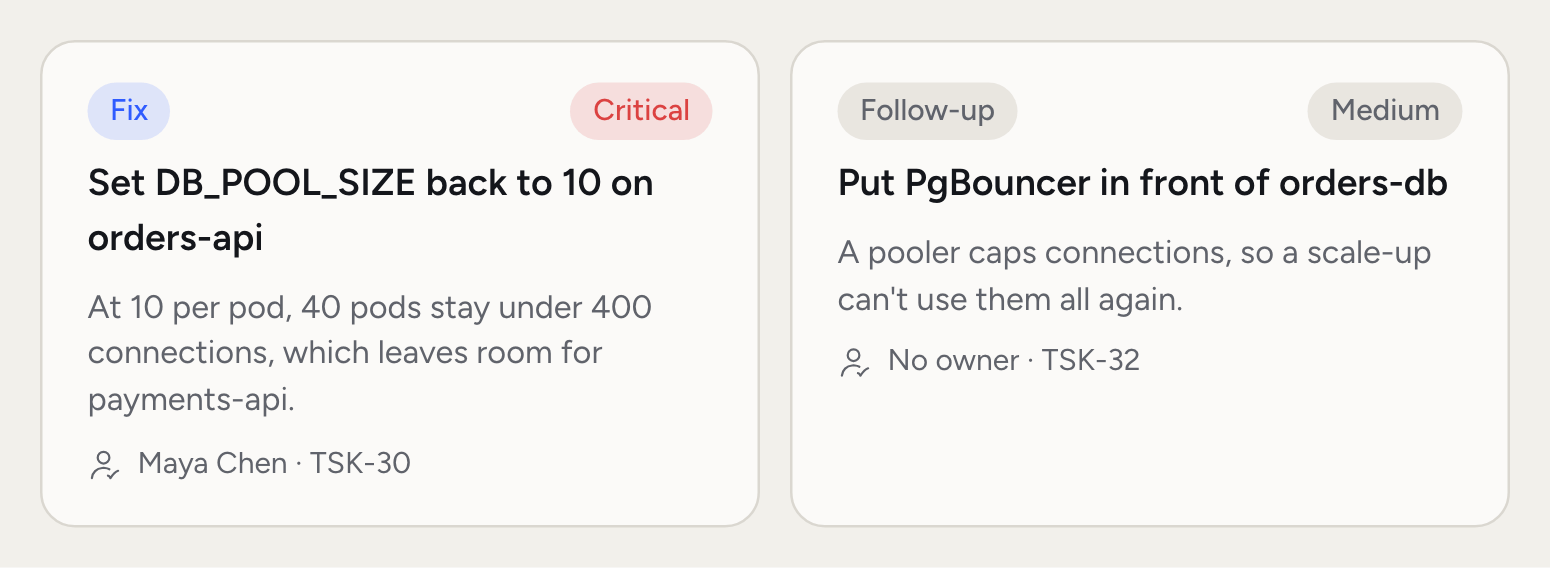
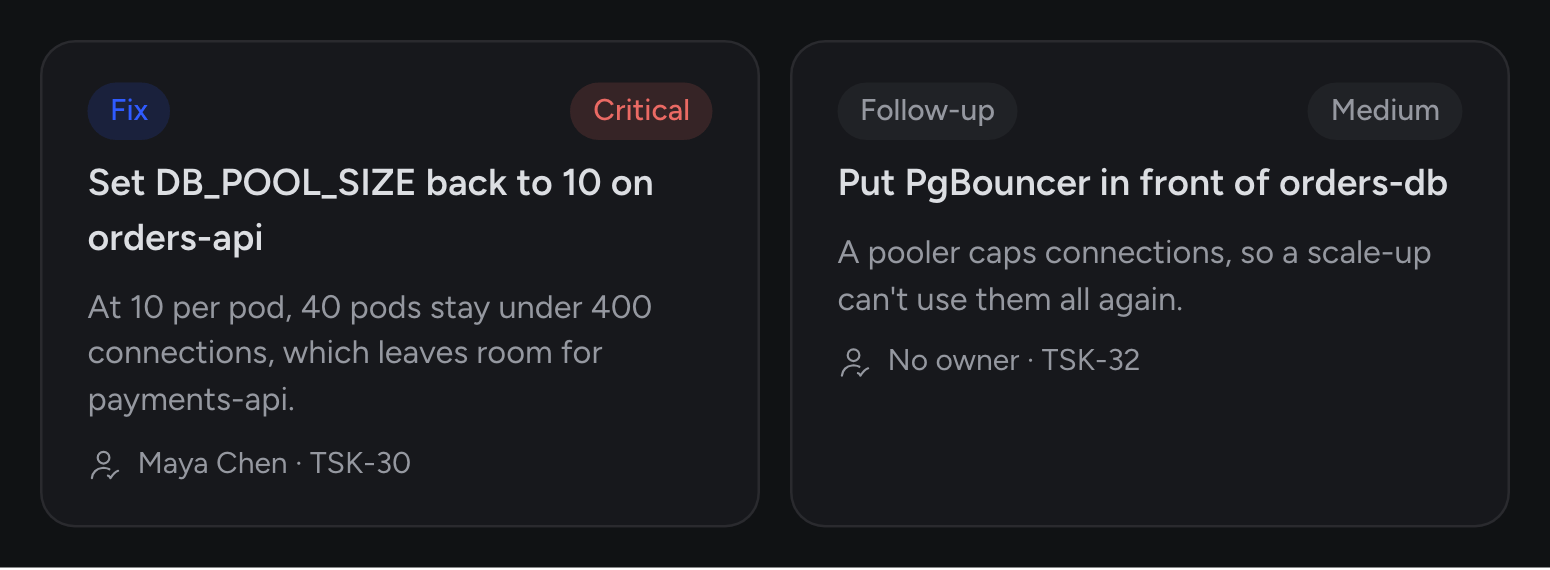
When you’d use this
- You’re on the incident. Assign the Fix to yourself so the team knows it’s taken.
- The fire’s out. Follow-ups keep the real improvement from being forgotten.
- You’re planning the week. My tasks shows what’s yours. Needs an owner shows what nobody has picked up.
- You’re not sure how to do it. Ask Rubix how to make the change safely.
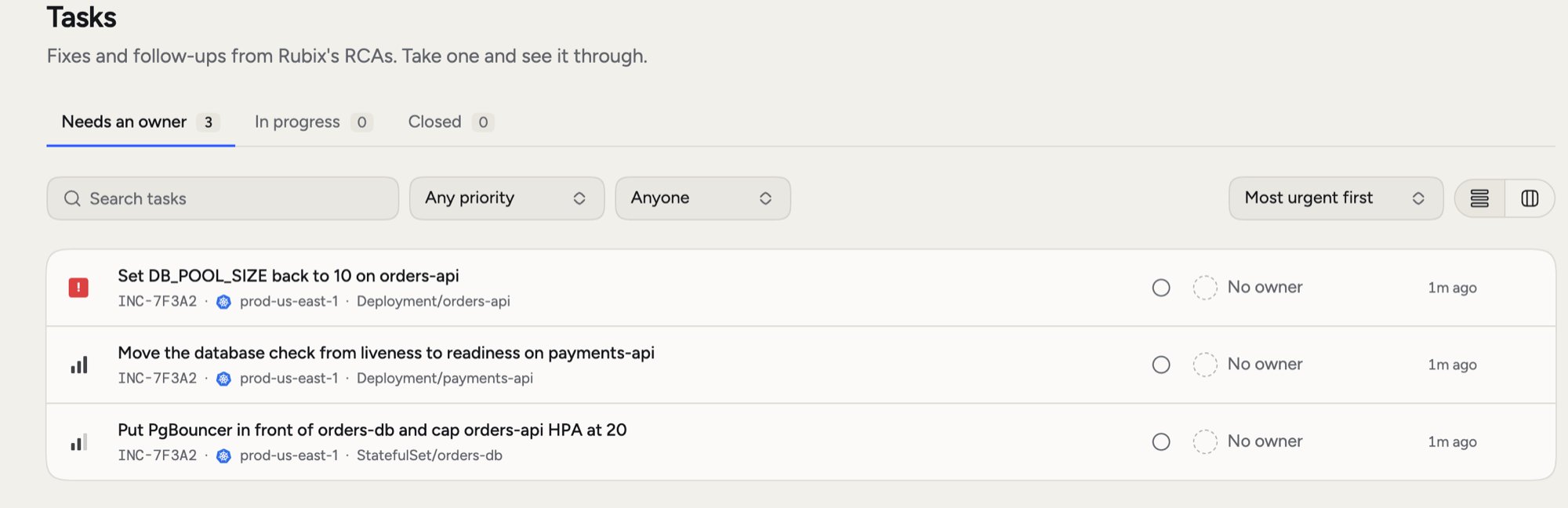
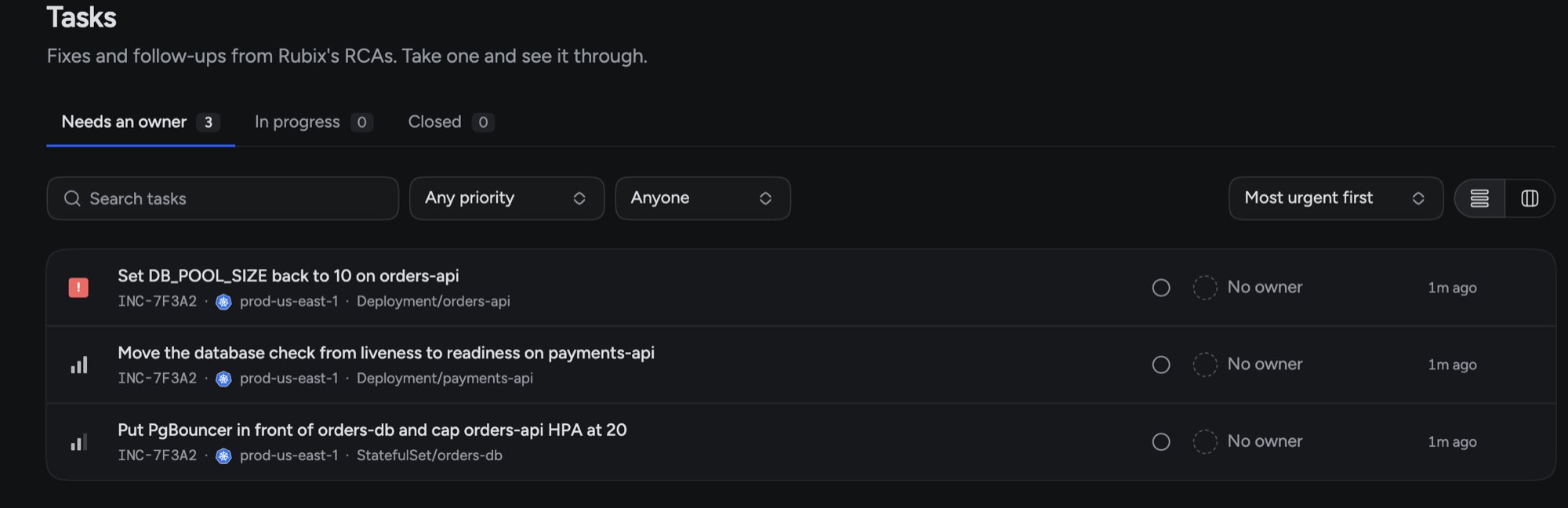
The Tasks list
Open Tasks in the sidebar. It has three tabs:- Needs an owner: nobody has taken it.
- In progress: someone has it, including Tasks that are assigned, waiting or in review.
- Closed: completed, cancelled or failed.
The Task page
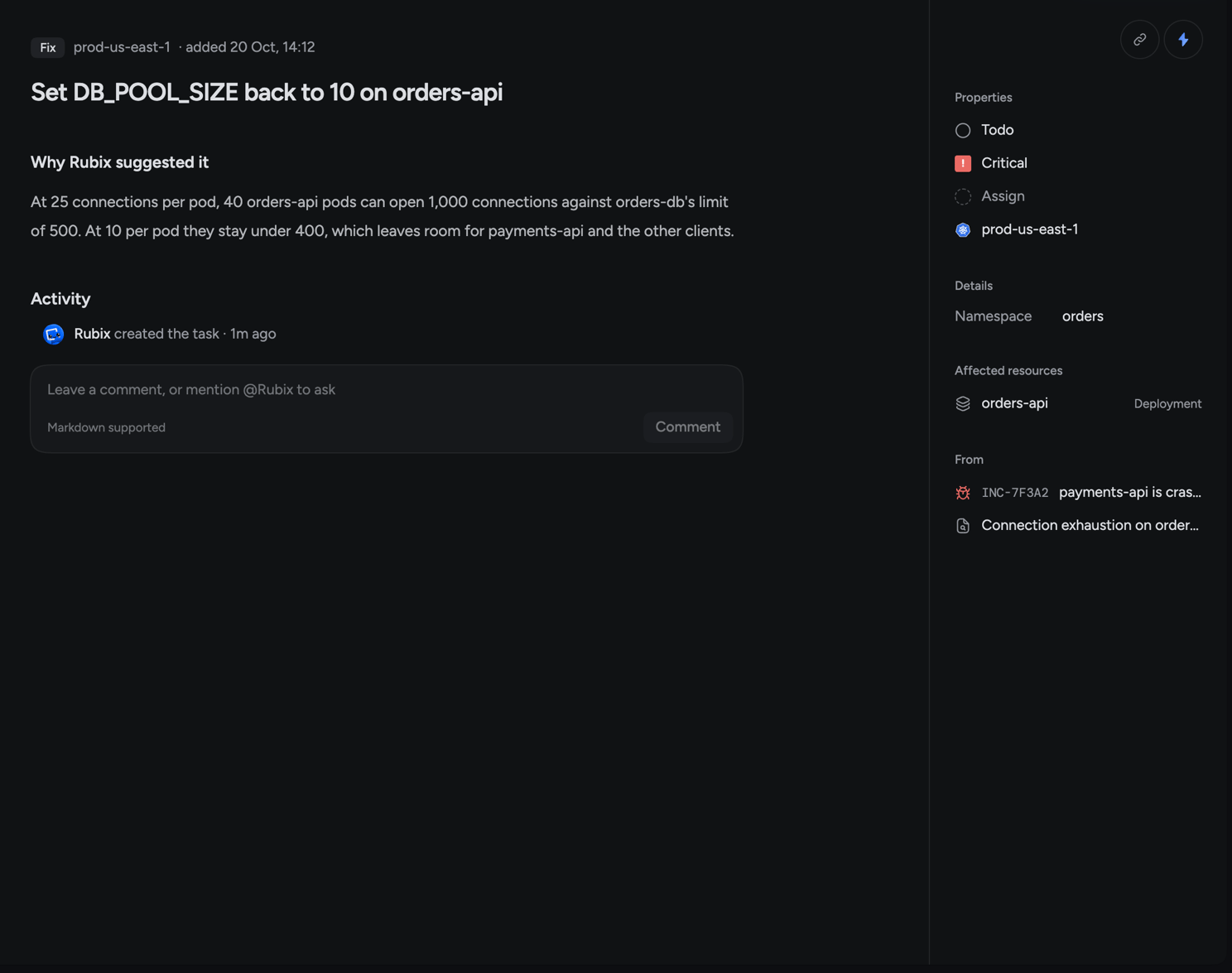
The page shows the kind, the environment, and when it was added. Why Rubix suggested it gives the reasoning from the RCA. Activity holds every status change and comment.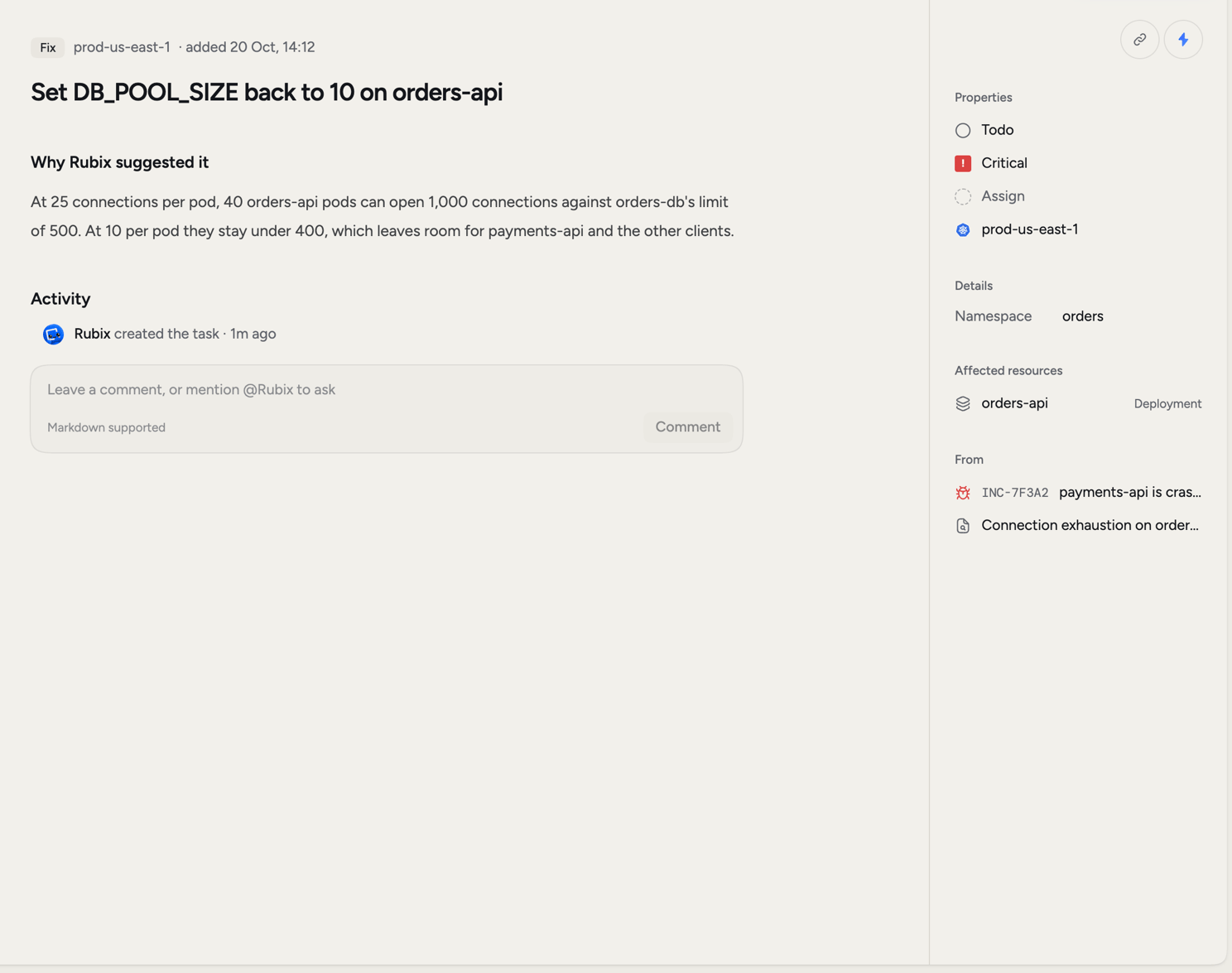
Move a Task along
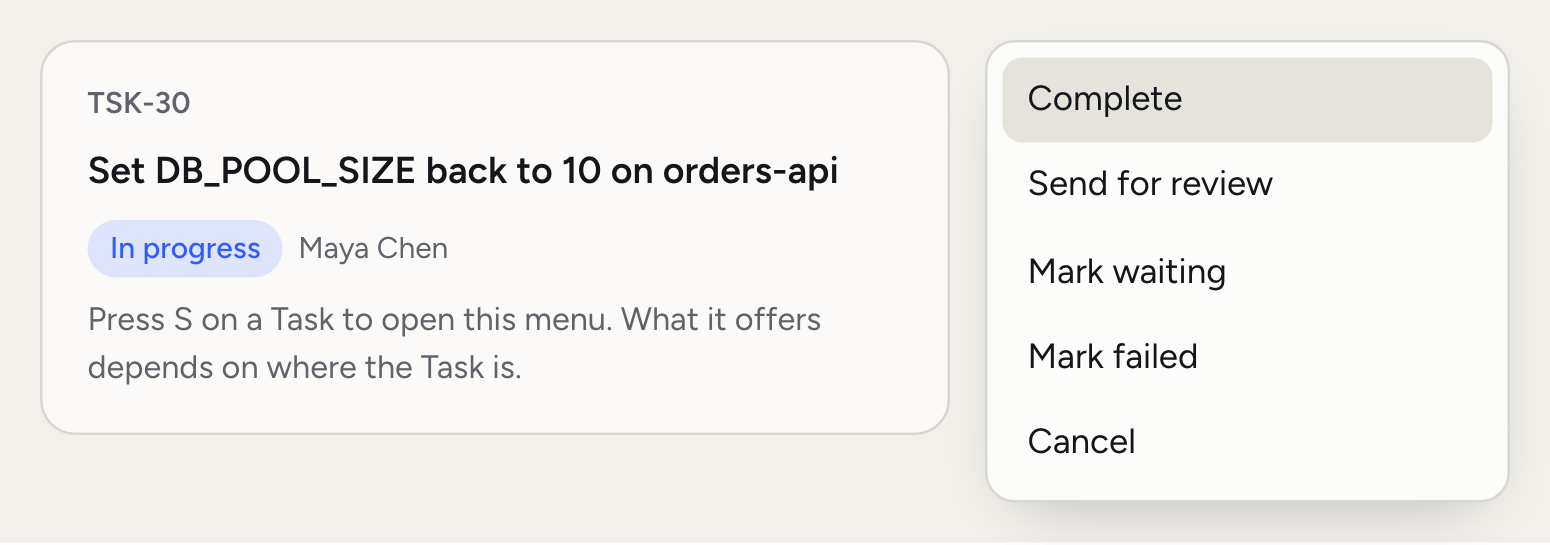
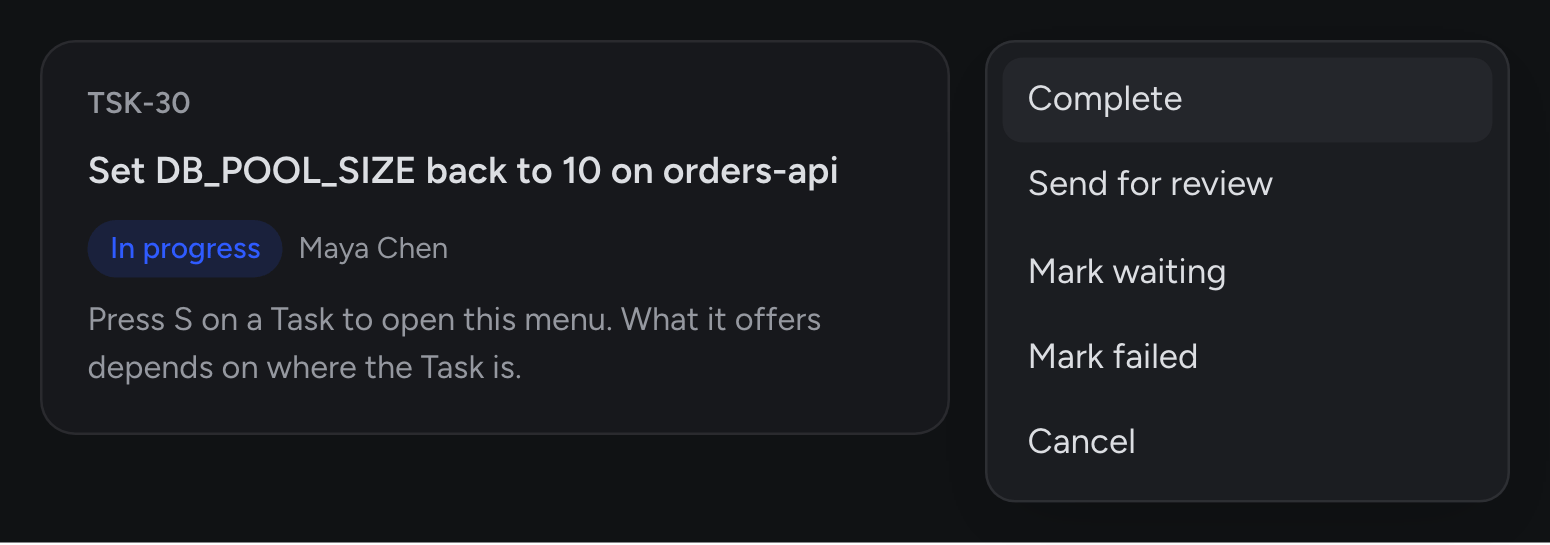
S. What you can do depends on where the Task is:
Complete finishes it. Approve finishes a Task that’s in review. Reopen brings back a Completed Task as In progress, and a Cancelled one as Todo.
Assign a Task
Click Assign on the right, or pressA, and pick a teammate. Assign to me takes it yourself. You can set the owner when you create a Task too.
On an incident page, the next step points at your Task if you own one. If not, it points at the most urgent Fix nobody has taken.
Add a Task
Click New task on the Tasks page, or Add task on an incident, then fill in the title and details. Set the incident, environment, priority, owner and kind, and click Create task.Ask Rubix for help
Choose Ask Rubix about this in the page’s menu. It opens a chat with the Task attached and asks how to do it safely and how you’ll know it worked. That second part matters: agree on what you’ll check before you make the change. You can also comment on a Task and mention@Rubix or a teammate. See Comments and mentions.
Good to know
- Repeats fold together. If the RCA runs again and suggests the same Task, the copies show as one row. The Task page lists them under Filed more than once, and your changes apply to every copy.
- Closing an incident leaves its Tasks open. A Follow-up often outlives the incident.
- In a group, Tasks live on the group. Each incident’s page shows them, marked From the group’s RCA.
Tasks outside the console
In Slack, paste a link to a Task and it opens as a card with status, priority, kind and owner. Over MCP, your AI tools can list and read Tasks, create them, rename them, change their priority, move them and assign them. Each change is recorded under your name.Related pages
RCAs
See where a Task came from.
Incidents
Follow an incident from detection to close.
How Tasks work
Fixes, Follow-ups and who does what.
Modes
Choose how much Rubix does without asking.