

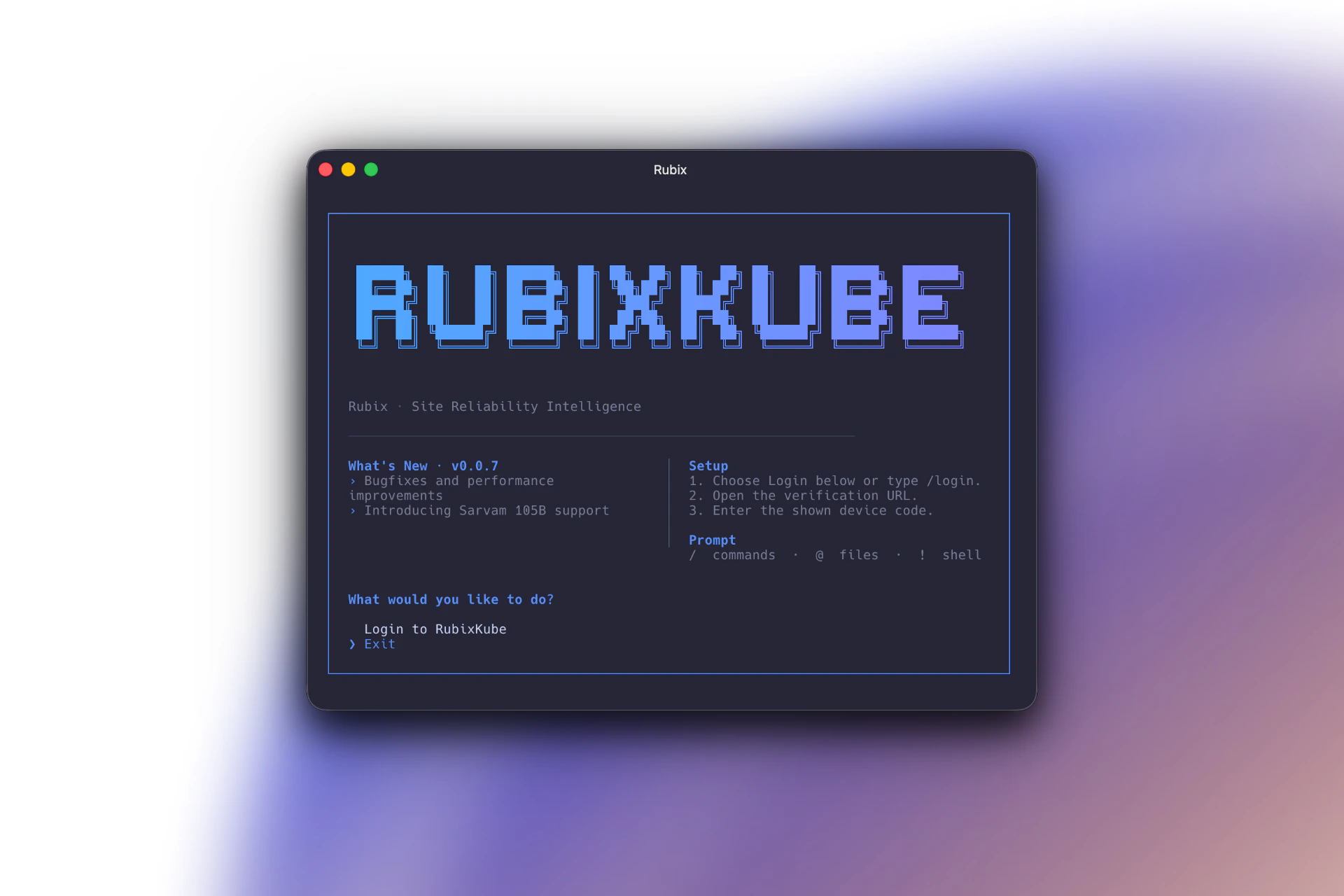
What the CLI can do
Chat with your infrastructure
Same conversational SRI Agent that powers the console, in a terminal UI.
Resume past sessions
Sessions persist across restarts. Jump back into an earlier investigation anytime.
Switch environment context
/environments retargets the conversation at a different cluster, cloud account, or VM group.Run skills on demand
Invoke any enabled skill with
/skills skill-name (or let the agent intent-match).Feed shell output back
/send pushes the last shell command’s output into chat, no copy-paste needed.Works everywhere
macOS, Linux, Windows. Any host with Node.js 18 or later.
Who it is for
SREs and on-call
Investigate incidents from the same terminal you already SSH from.
Platform engineers
Script common investigations into your runbooks with
rubix chat --prompt.CI and automation
Run scheduled skills non-interactively against any connected environment.
How it relates to the console
The CLI and the Rubix Chat Agent in the console share everything: sessions, skills, environments, Memory Engine, Guardian policies. Start a conversation on one surface, finish it on the other.Where to go next
Installation
Install with npm, run with npx, or use the standalone binary.
Usage
First-run login, launching chat, the fundamental keystrokes.
Commands
Reference for every command and slash command.
Examples
Concrete flows for daily on-call, post-deploy verification, and more.