

When you’d use this
- Something feels off. Open Incidents to see what’s open and how far along each one is.
- An alert just fired. Follow it here instead of opening each tool. Rubix is already looking.
- You’re picking up work. Filter to Needs you to see what’s waiting on a person.
- You noticed a problem first. Report an incident and Rubix starts on it.
- It was fixed and you want the story. The incident keeps what happened, who did what, and what fixed it.
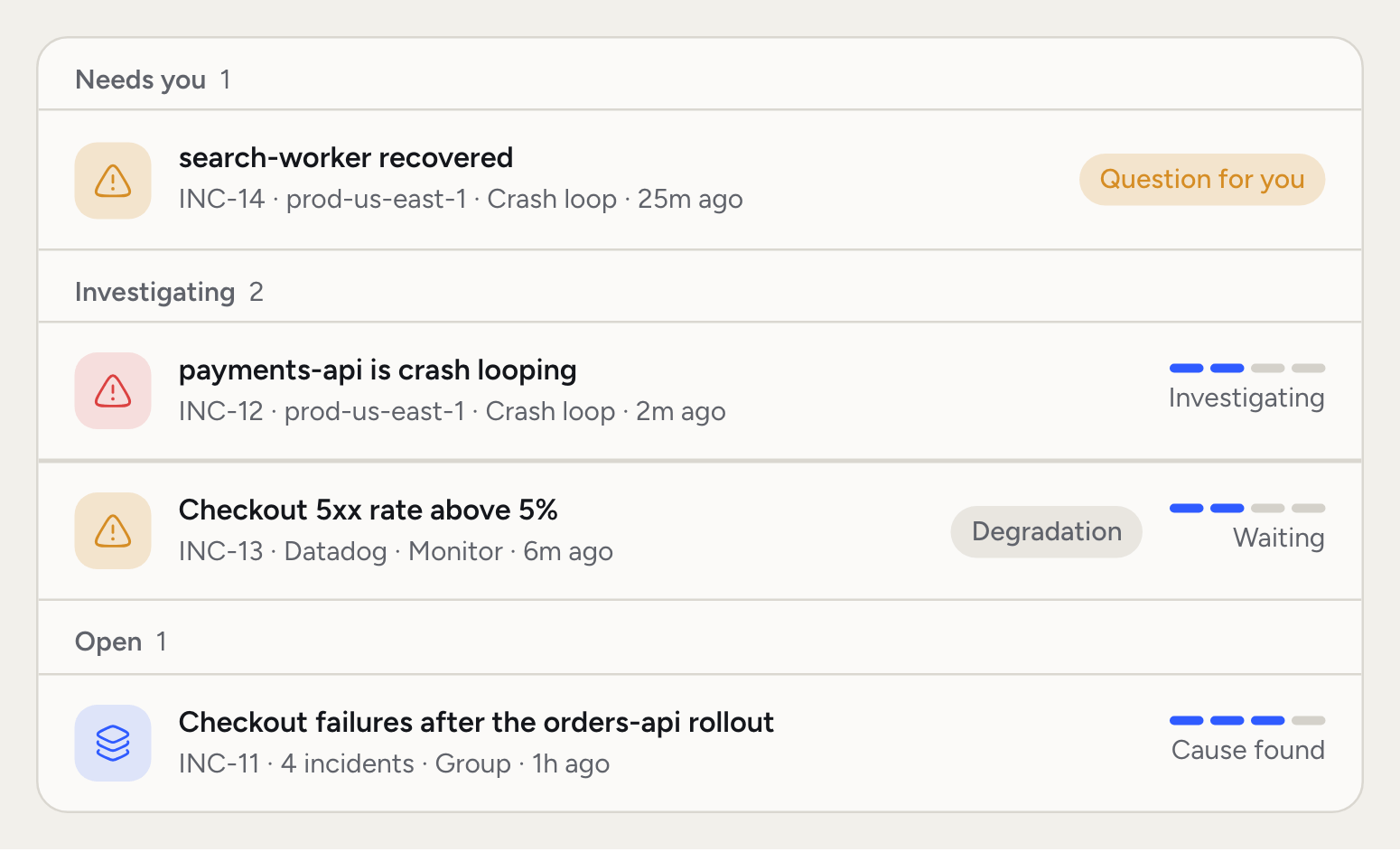
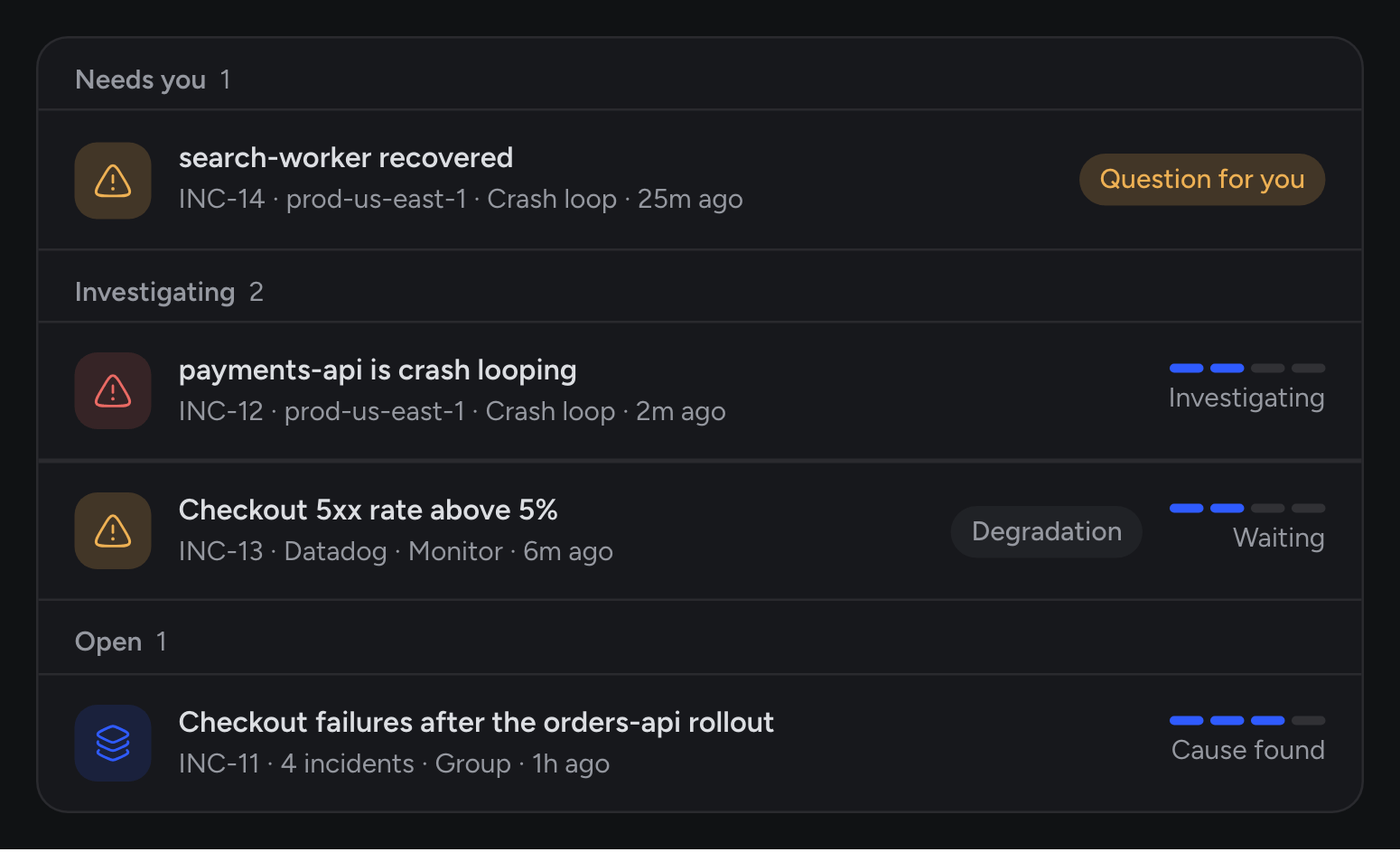
The Incidents list
Read the list by stage. The stage tells you who has the next move, so you can skip what Rubix is still working on and go straight to what needs you. The list has three tabs: Open, Resolved and All. Each tab shows its count. A row shows the title, the code, the source, the type and the age. A track on the right shows how far the incident has come: Detected, Investigating, Cause found, Resolved. A row can also carry a Degradation badge, a Question for you badge, a comment count, and the faces of people working on its Tasks. Search finds an incident by code, workload, service or namespace. Filter narrows the list:
Display sets the order (Created, Severity, Last seen), the grouping (Stage, Severity, Environment, No grouping) and the row size (Comfortable, Compact).
Stages tell you who has the next move:
- Needs you: it recovered, and Rubix needs you to say what fixed it.
- Investigating: an RCA is running or on its way.
- Open: the RCA is done, or none is coming, and the incident isn’t closed yet.
- Resolved: it’s closed.
- Ignored: it’s recorded, with no RCA.
J and K to move through the list, C to create an incident and X to close the one you’ve picked.
The incident page
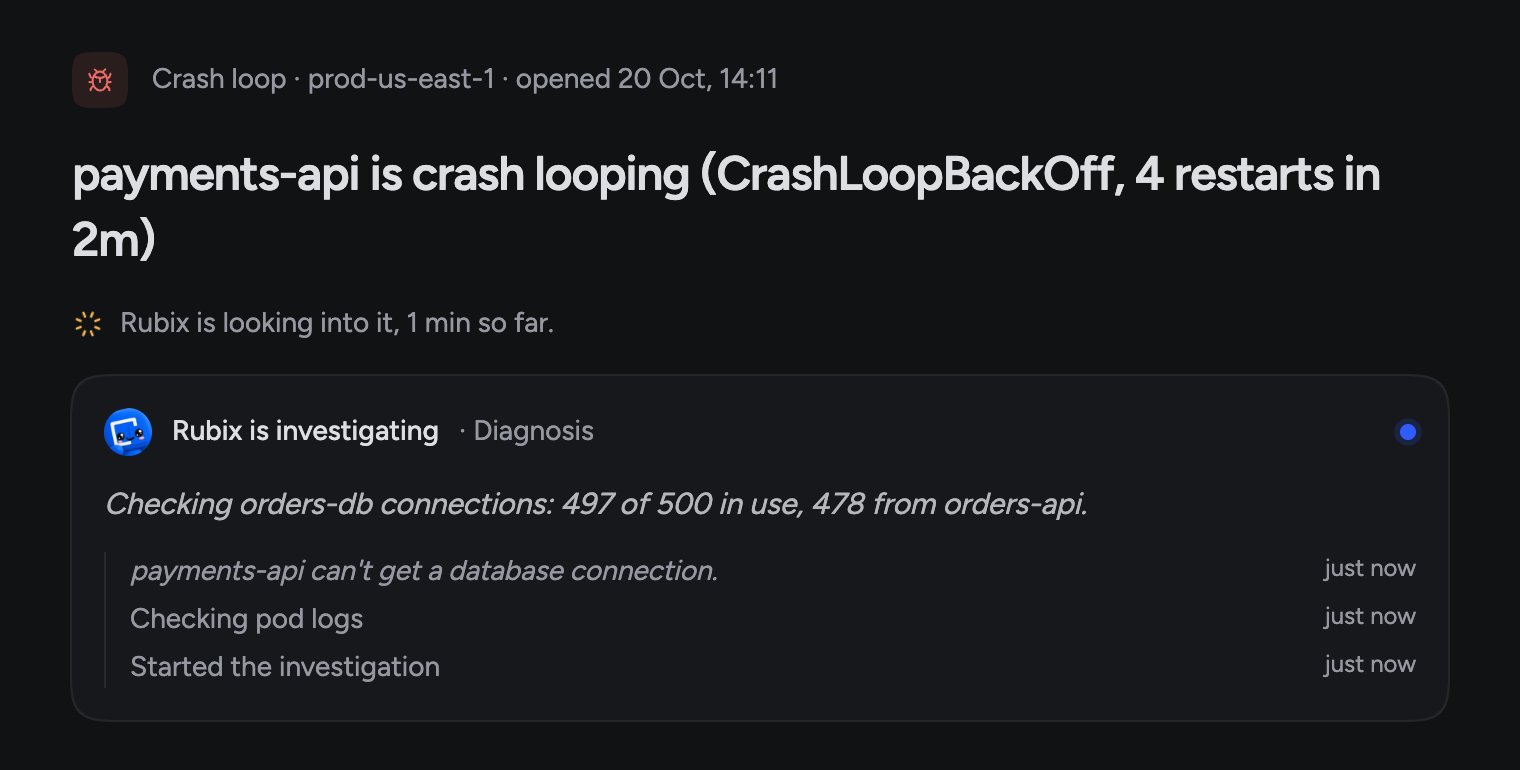
Open a row to see the whole story. In the demo organization,payments-api starts crash-looping in prod-us-east-1 after a new orders-api version raises its database pool.
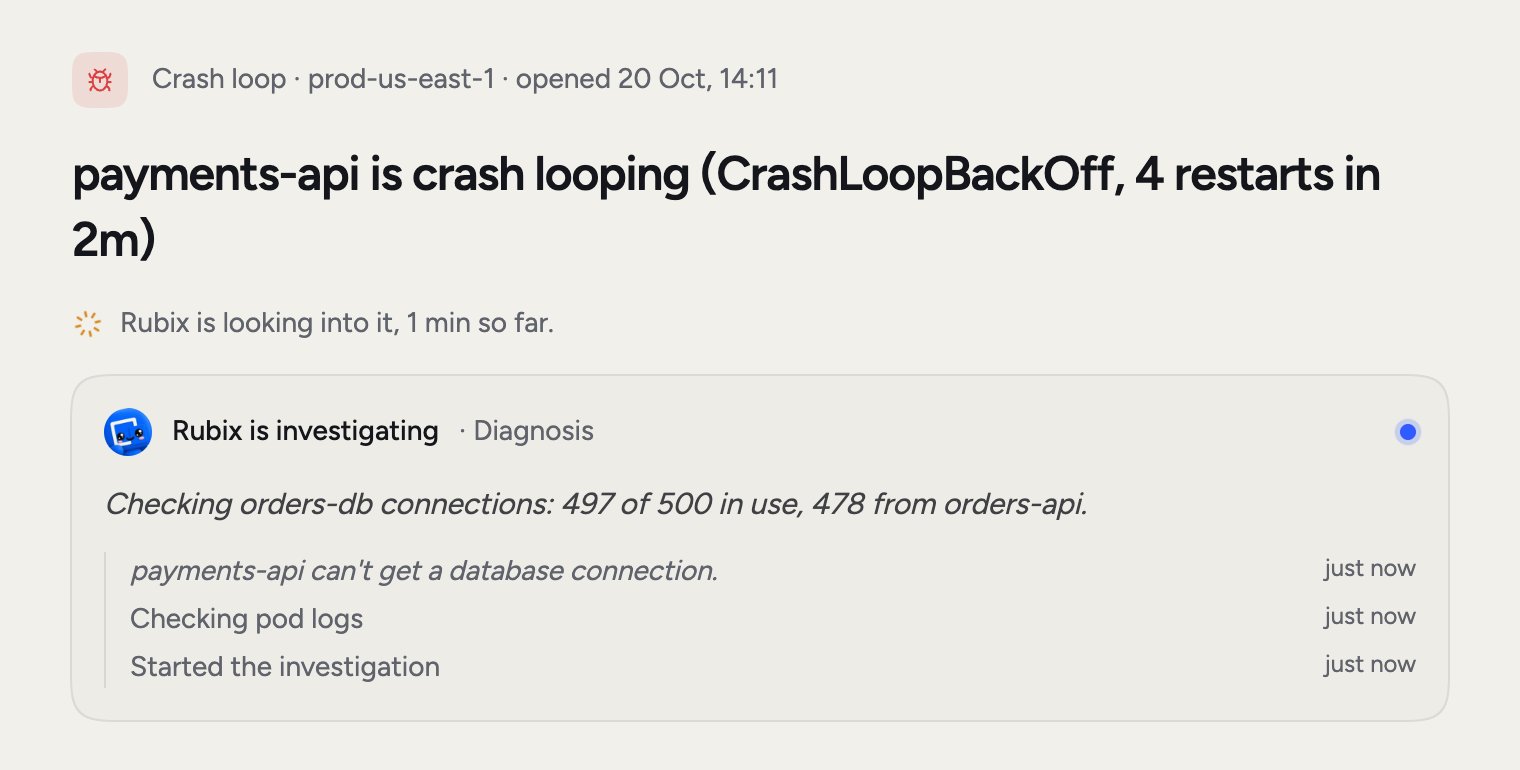
- What the observer detected, or What Datadog sent when a tool opened it: the alert, logs and changes that came with it.
- Related incidents: its group, the incident it came back after, and others with the same cause.
- What Rubix found: what happened, the cause and the Fix, once the RCA is done. On an incident the cause reads Root cause, Likely cause or Not determined.
- What changed before this started: recent changes in the source. A tool that sends only alerts has nothing to compare, and the page says so.
- Tasks: what Rubix suggests, plus any you add with Add task.
- Activity: comments and everything that happened to the incident.
The progress card
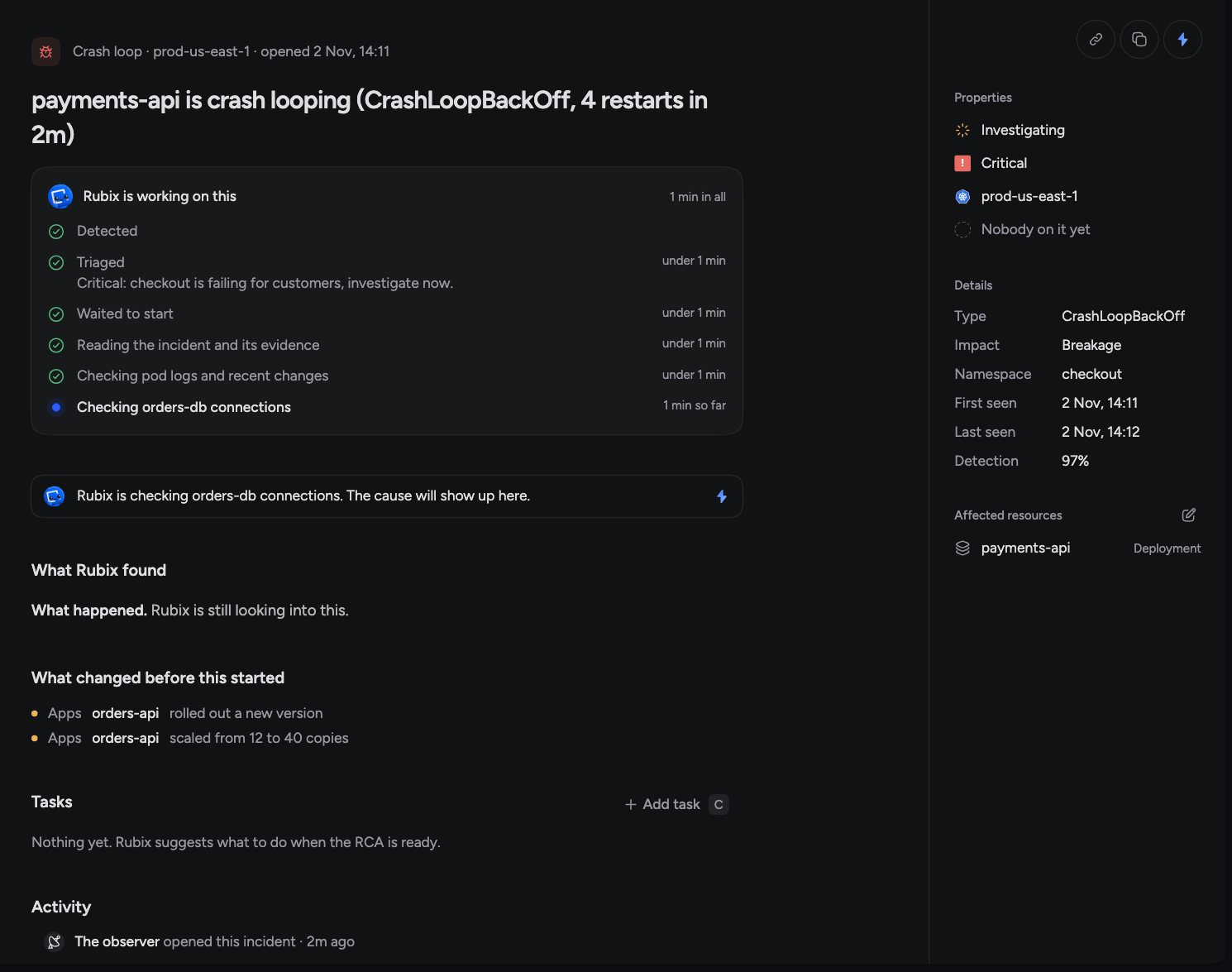
While Rubix works, a card headed Rubix is working on this shows each step and how long it took. A typical run reads Detected, Triaged, Waited to start, and then what the RCA is doing right now.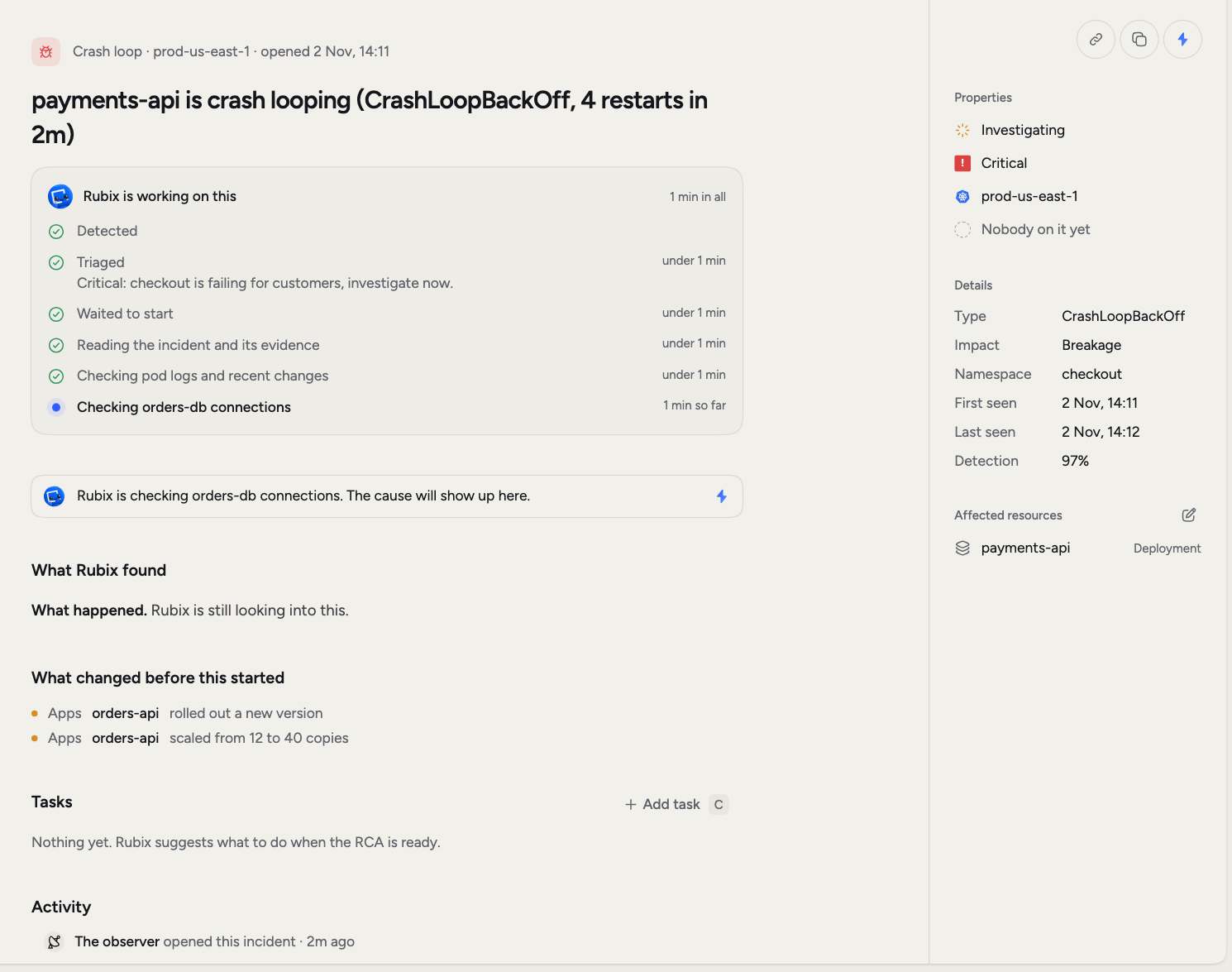
Severity and impact
Severity says how bad it is: Critical, High, Medium or Low. It also decides how soon the RCA starts. Impact says what kind of problem it is. Breakage means something broke, likepayments-api crash-looping. Degradation means it still runs but works worse than it should, like a rising error rate or slow responses. Degradations carry a badge in the list, and the Impact filter shows them on their own.
Triage can change both. You can change the severity yourself on the incident page.
Groups
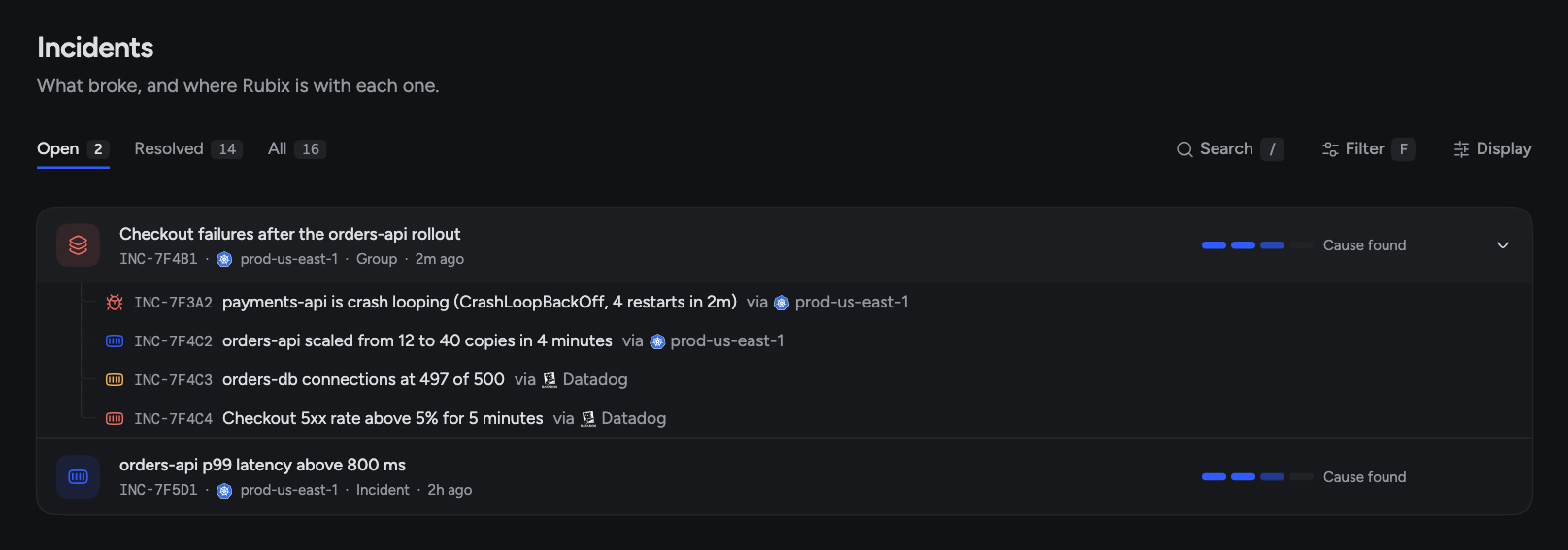
One failure often sets off several alerts. Without groups you’d get five incidents, five investigations and five threads about the same thing. So incidents on the same resource, or with the same cause, share a group and one RCA. You get one investigation and one set of Tasks. A group shows as one row with the type Group. The row lists every source behind it, so an observer’s incident and a Datadog alert on the same problem sit together. Open the arrow at the end of the row to see each incident in the group and the source it came through.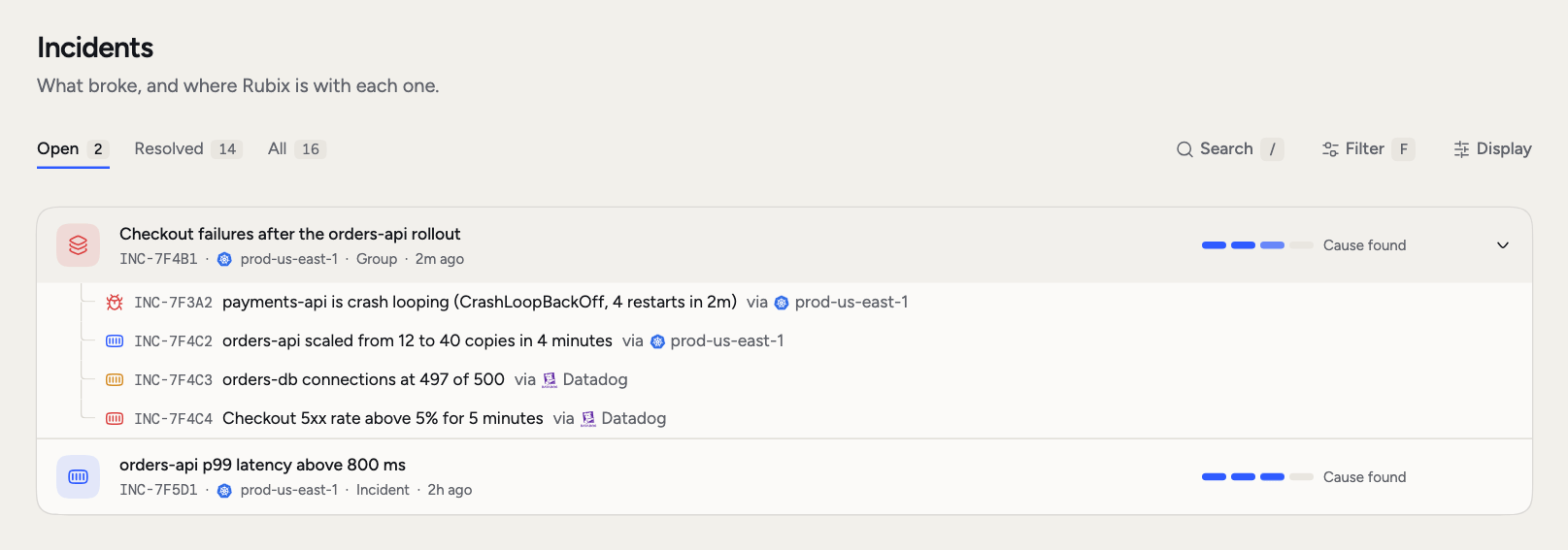
Triage and known alerts
Before the RCA, Rubix triages the incident. It reads what happened before and what changed, then decides what happens next. It can change the severity or impact, hold the RCA, release the wait early, or mark the alert as known. The reason shows under Triaged on the progress card. This saves you from reading the same report twice. A known alert is one that earlier RCAs say is expected behaviour, like a worker that restarts when a weekly job finishes. No RCA runs, and the page says why.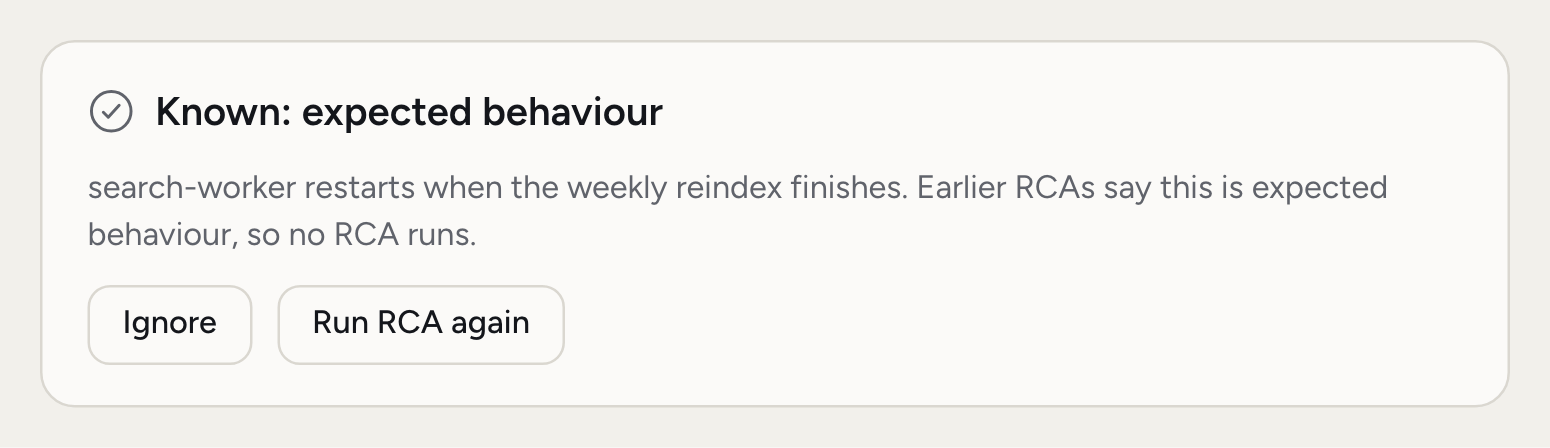
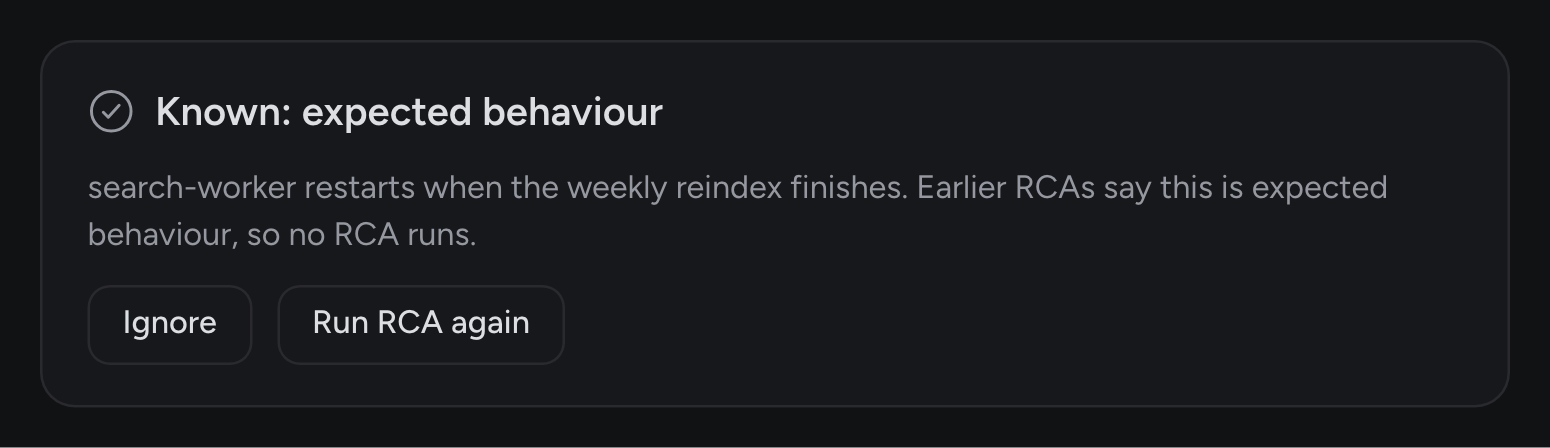
- Ignore keeps this problem recorded with no RCA.
- Run RCA again starts an RCA anyway, for when you think triage got it wrong.
When the RCA starts
Most RCAs don’t start the moment an alert arrives. A lot of problems clear up on their own, so Rubix waits a short while first. Serious incidents wait less. Admins set the wait for each severity in Settings > Incidents, so it differs between organizations. The row and the page always say what the RCA is waiting for:
Once an RCA has finished or failed, or when no RCA is coming, Run the RCA again shows in the status menu and the page’s menu. It skips every wait and starts at once.
If an attempt fails, Rubix tries again on its own. When it runs out of tries, What Rubix found gives the reason, with a Retry RCA button and the error under Error details. See RCAs for what a finished report holds.
Recovery and closing
Observers report when something recovers. The row then shows Recovered, and the page says how long ago and that you can close it. If it recovers before the RCA starts, no RCA runs. If it breaks again, the RCA starts.What fixed it?
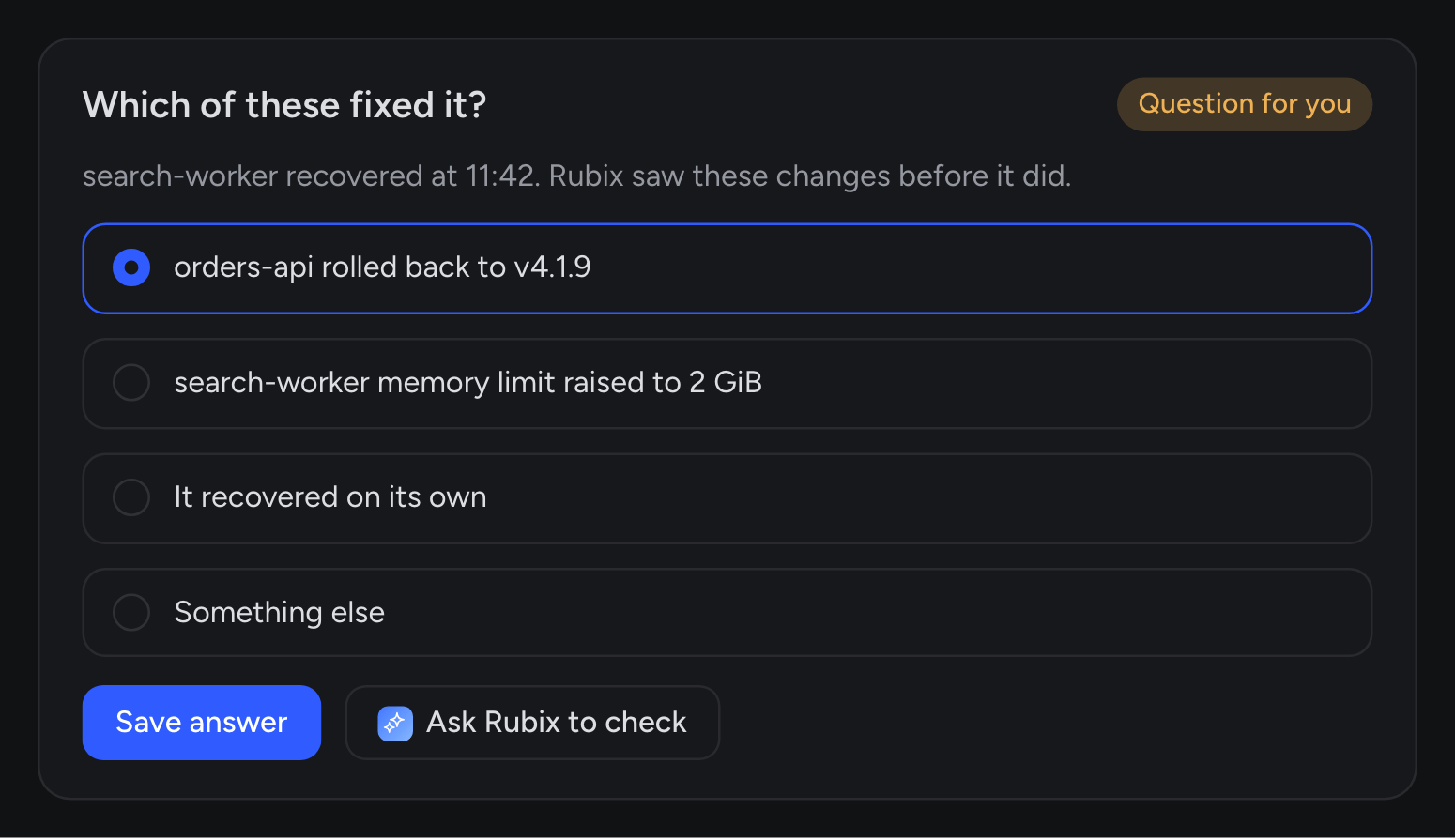
When something recovers and Rubix can’t tell why, it asks you. The incident moves to Needs you and the row shows Question for you.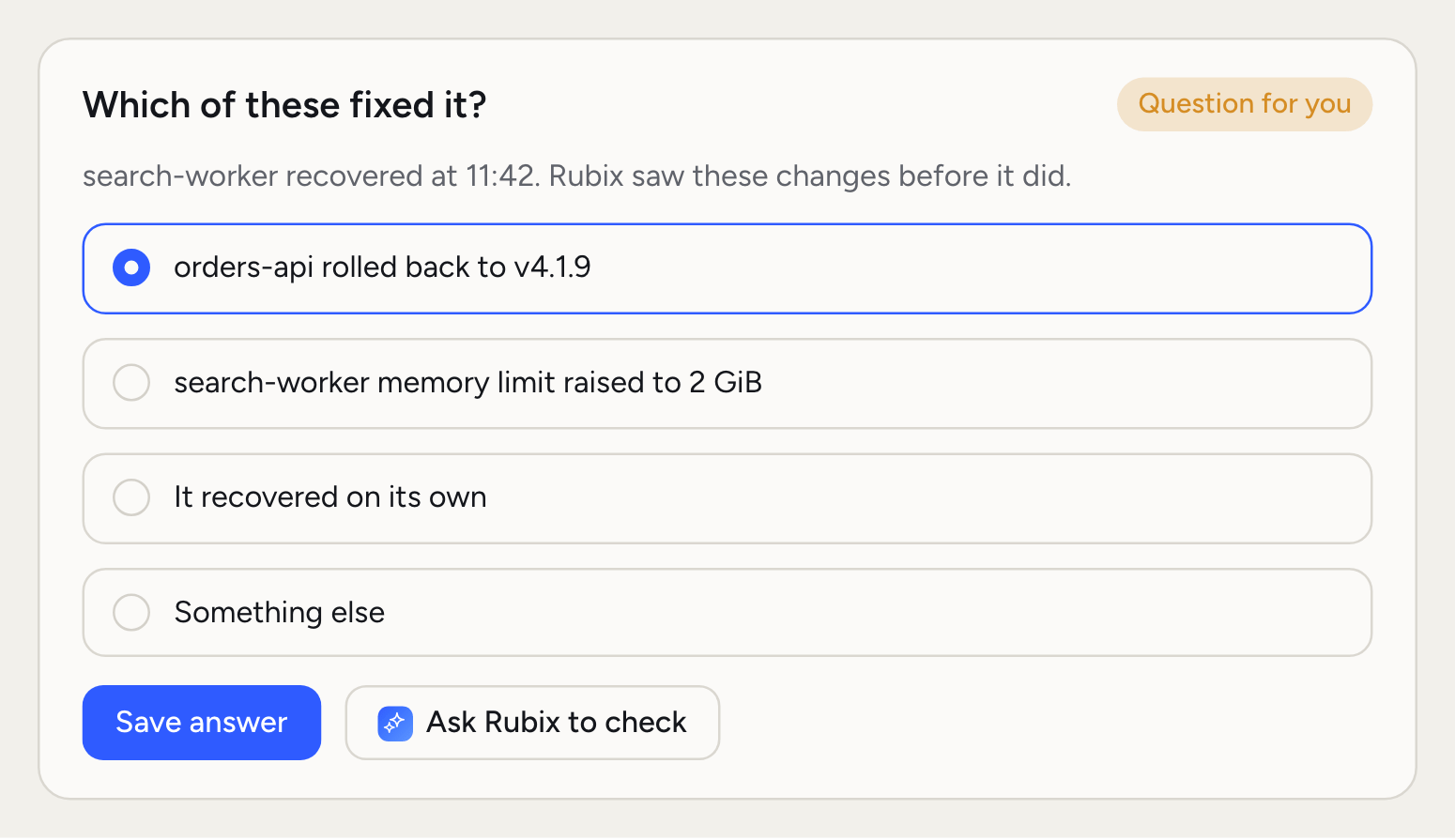
Close an incident
Choose Close incident from the status menu, or pressX. It moves to Resolved as closed by you. Its open Tasks stay open.
Admins can turn on Close incidents when they recover in Settings > Incidents. It’s off by default. With it on, Rubix closes an incident once the workload stays healthy.
Incidents that come back
If a problem returns while its incident is open, that same incident is updated. The row says “came back”, and Came back on the right counts the times. Activity keeps the earlier rounds folded away. If a closed incident returns, you get a new incident linked to the old one. The old one shows under Related incidents. When a problem keeps returning, another identical RCA won’t help. Rubix stops investigating it on its own and leaves the call to you. Usually that means the fix hasn’t been made yet, so snooze it while someone works on it.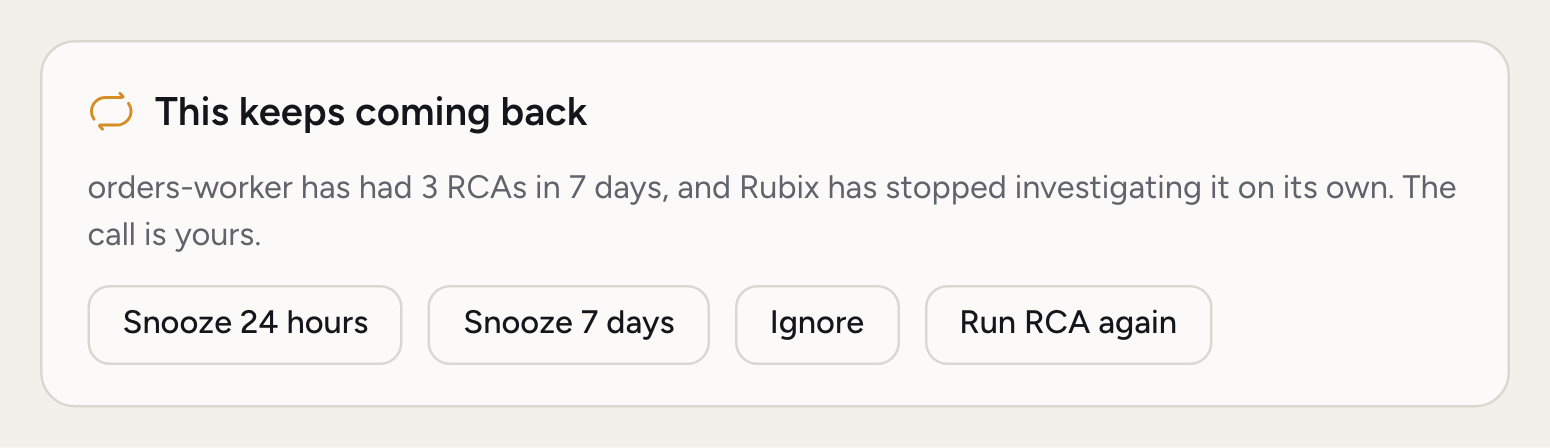
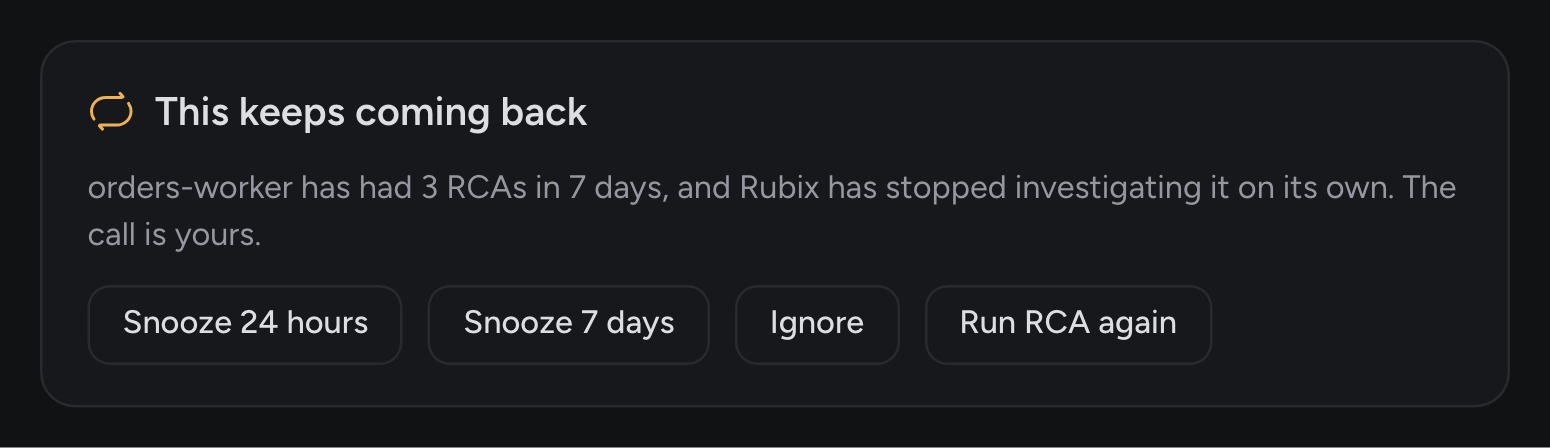
- Snooze 24 hours or Snooze 7 days: it’s recorded with no RCA until the snooze ends.
- Ignore: it’s recorded with no RCA.
- Run RCA again: Rubix investigates once more.
Comments and mentions
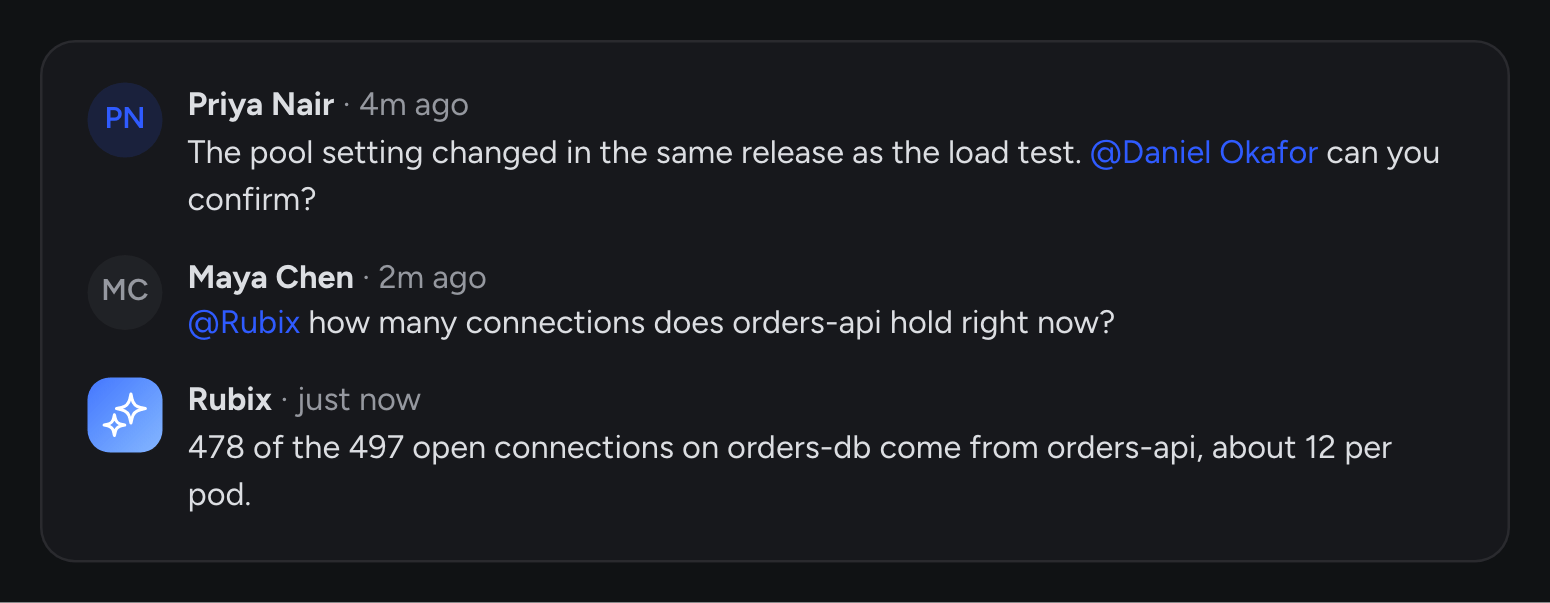
Comments keep the conversation next to the evidence, so the next person doesn’t have to find a Slack thread. They matter for Rubix too: it reads them during an RCA. If you know something the tools don’t, like “this went out with the load test”, write it down.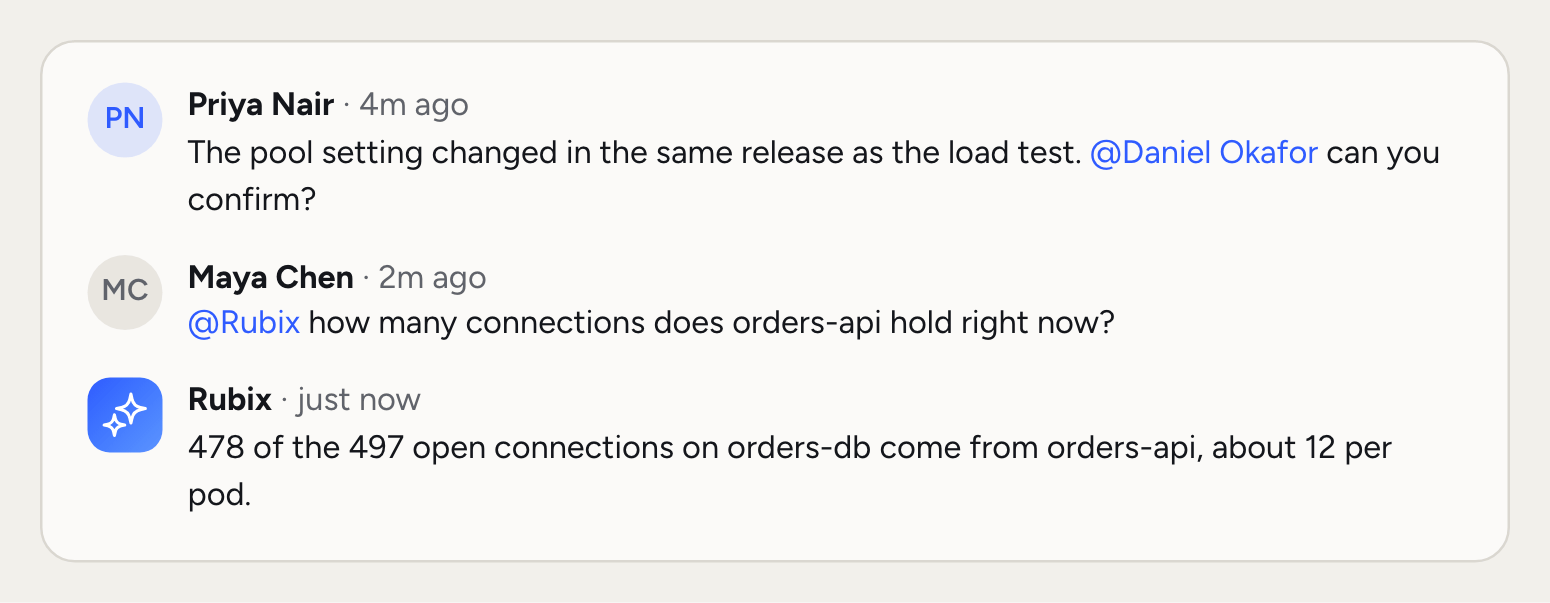
@ to tag a teammate, and they get a notification in the console’s bell and by email.
Mention @Rubix to ask a question. Rubix replies in the same thread, with the incident in front of it. It works in your organization’s mode. In Assist, a comment reply won’t make changes, because Rubix can’t stop to ask you first.
Short codes
Every incident has a short code such as INC-12. RCAs and Tasks have their own, such as RCA-4 and TSK-30. Codes count up per organization. Use a code anywhere: in the search box, in chat with Rubix, and in your AI tools over MCP. Copy ID in the page’s menu copies it.Report an incident
Sometimes you notice a problem before anything else does.1
Open the dialog
On Incidents, click New incident or press
C.2
Say what's wrong
Add a title and any details: since when, what you saw, what you already tried.
3
Set the details
Pick the severity and the environment. Add the workload if you know it, so Rubix starts looking there.
4
Create it
Click Create incident. Rubix starts on it, and you land on the incident’s page.
Related pages
RCAs
Read what Rubix found and rate it.
Tasks
Take the Fix and see it through.
How incidents work
The idea behind incidents, groups and recurrence.
Settings
Recovery, waits and recurring incidents.