

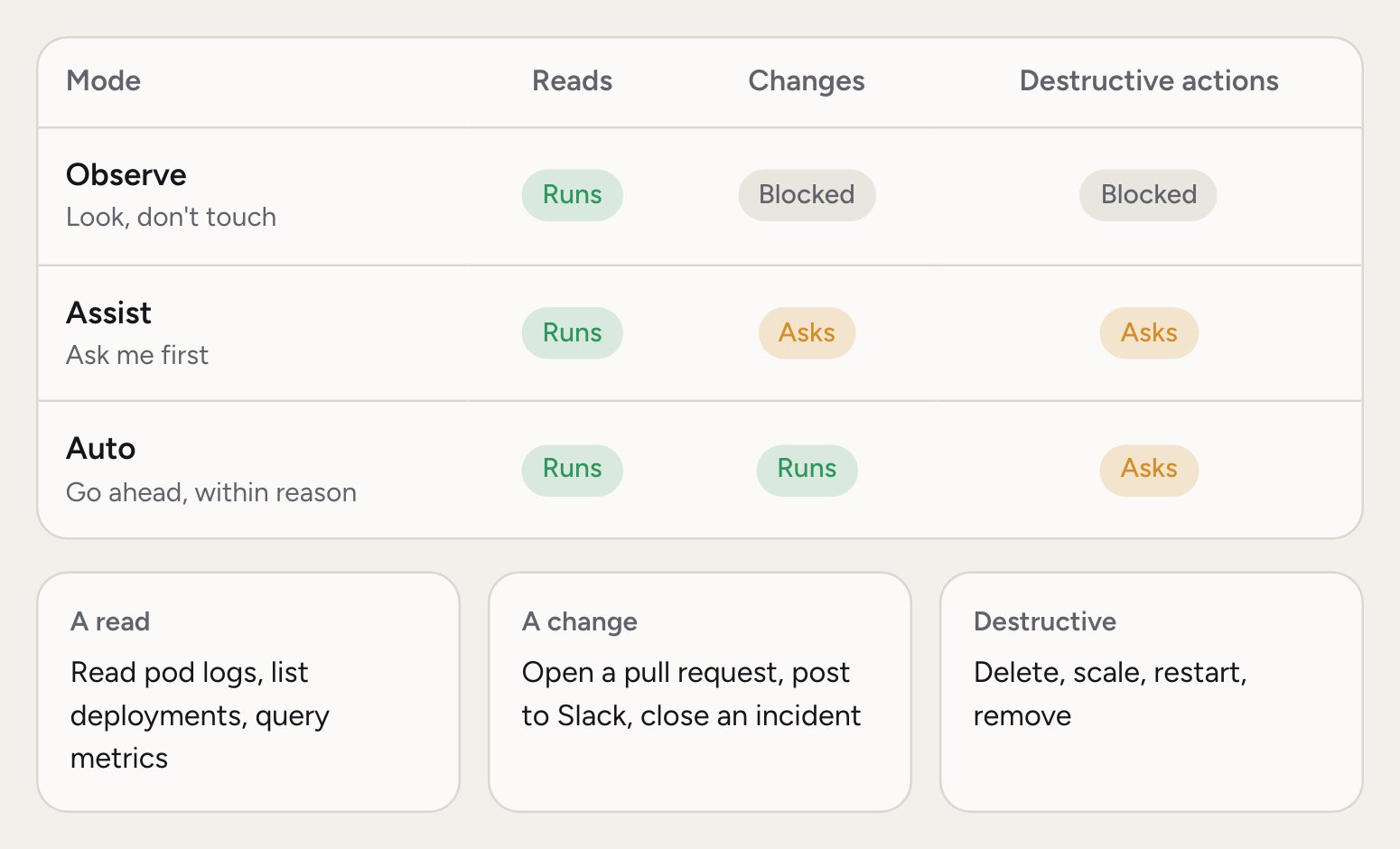
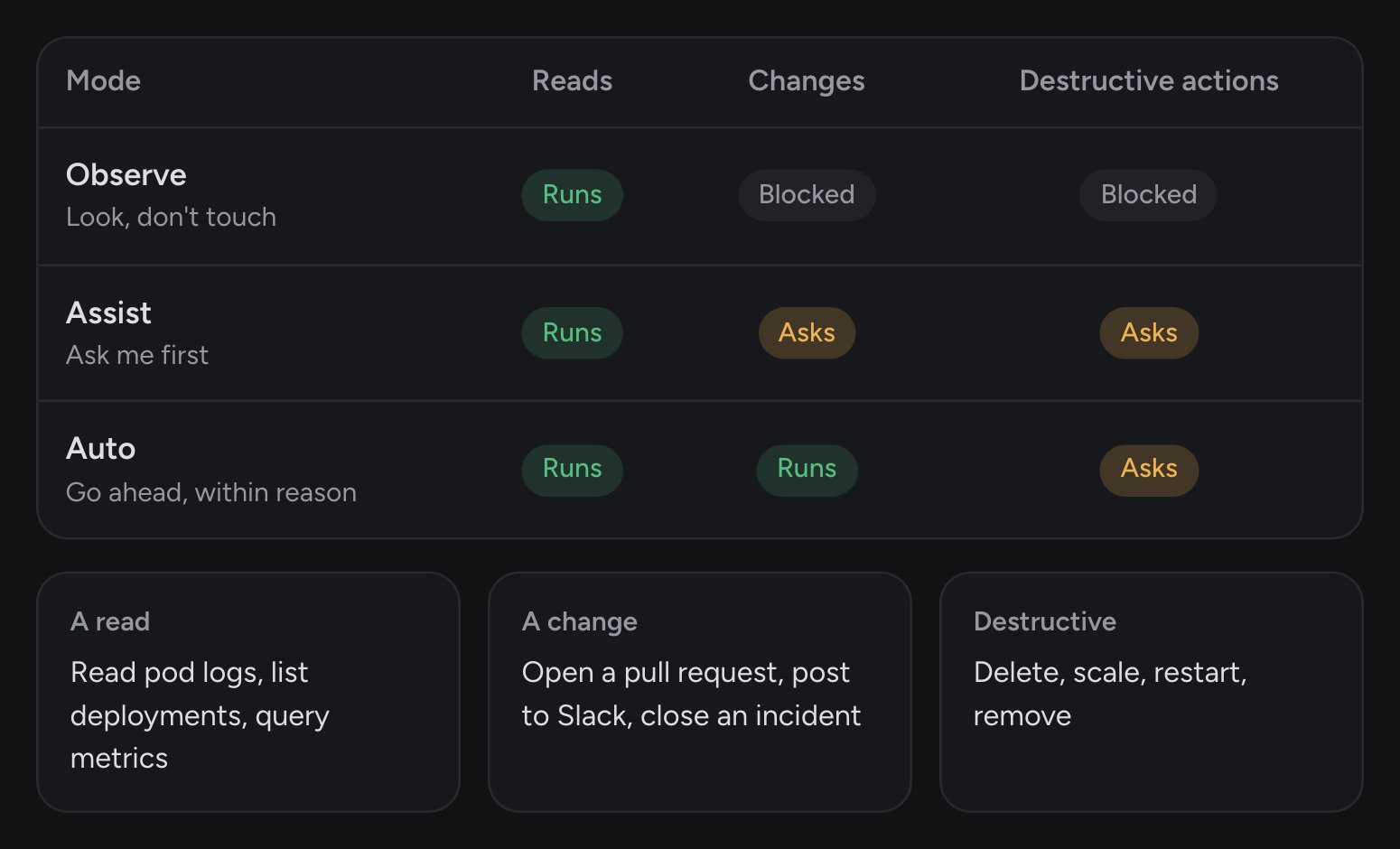
Which mode should you use?
- Observe is right when you’re starting out, or when Rubix is near something sensitive. It investigates and answers, and nothing changes. Every new organization starts here.
- Assist is the next step up. Rubix does the work of preparing a change, and a person says yes each time. You stay in control without typing it all yourself.
- Auto fits work that’s low risk and well understood, such as tidying Tasks or posting updates. Try it in a chat first, and add a hook for any rule that must always hold.
What counts as a change
A change is anything that isn’t a read, such as posting to Slack, opening a ticket, or closing an incident. Destructive means actions such as delete, scale, restart and remove. When a tool isn’t known to be read-only, Rubix treats it as a change.Who sets the mode
Admins set two things in Settings > Modes: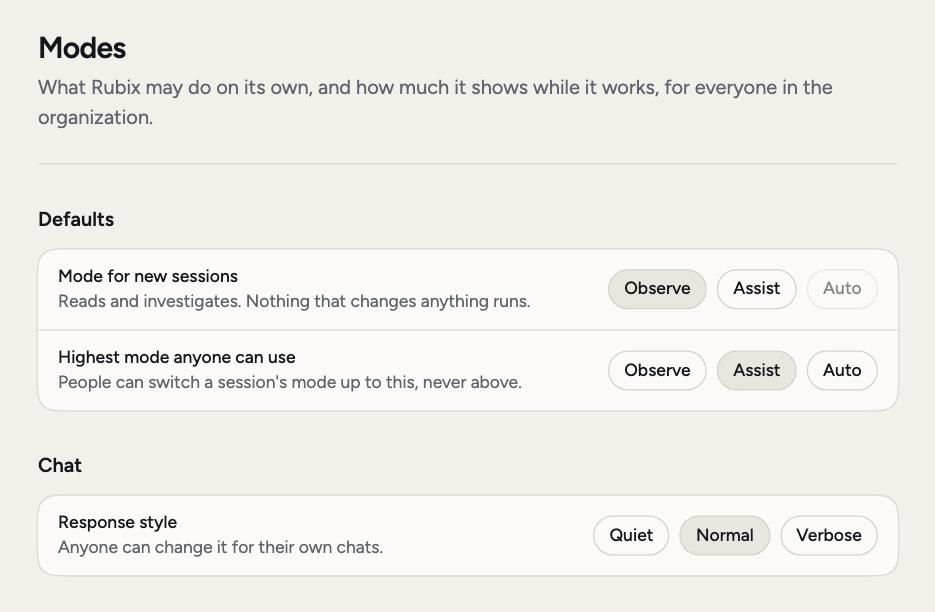
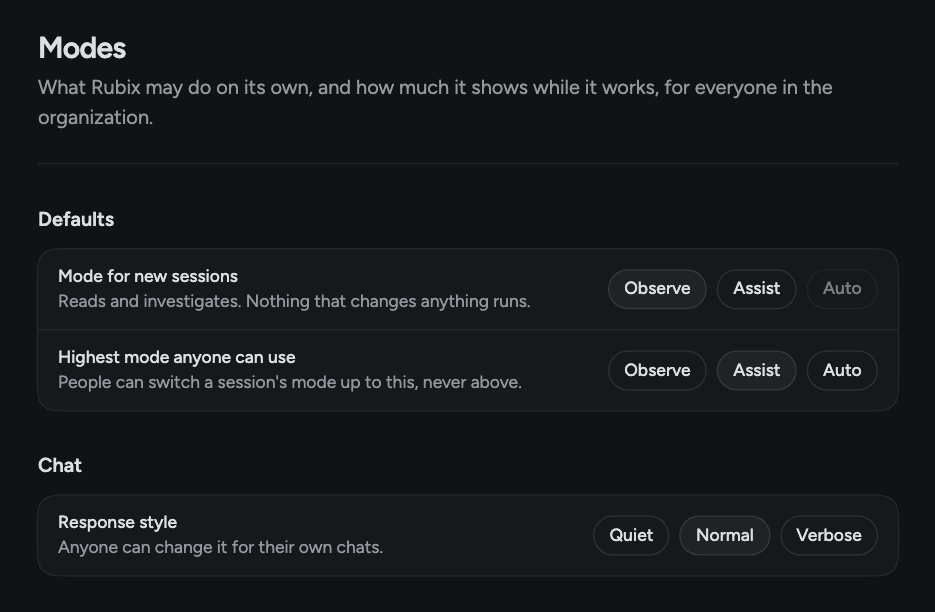
- Mode for new sessions: the mode every new session starts in.
- Highest mode anyone can use: people can switch a session’s mode up to this, never above.
Change the mode in a session
Anyone can change the mode of their own session, up to the highest mode. There are three ways, once the session has started:- Click the mode chip in the chat box.
- Press Shift+Tab in the chat box.
- Type
/modeand pick one.
Approve a change
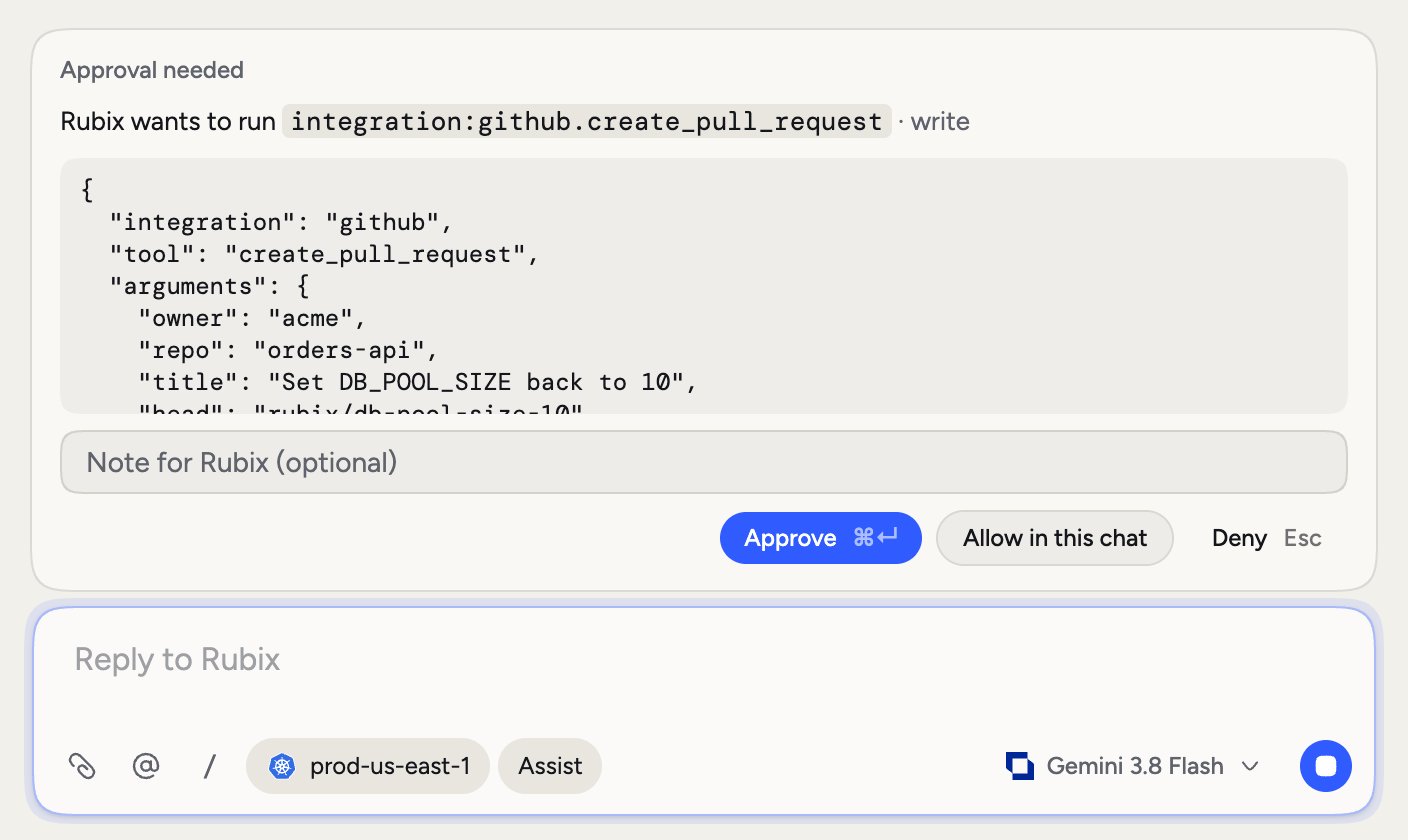
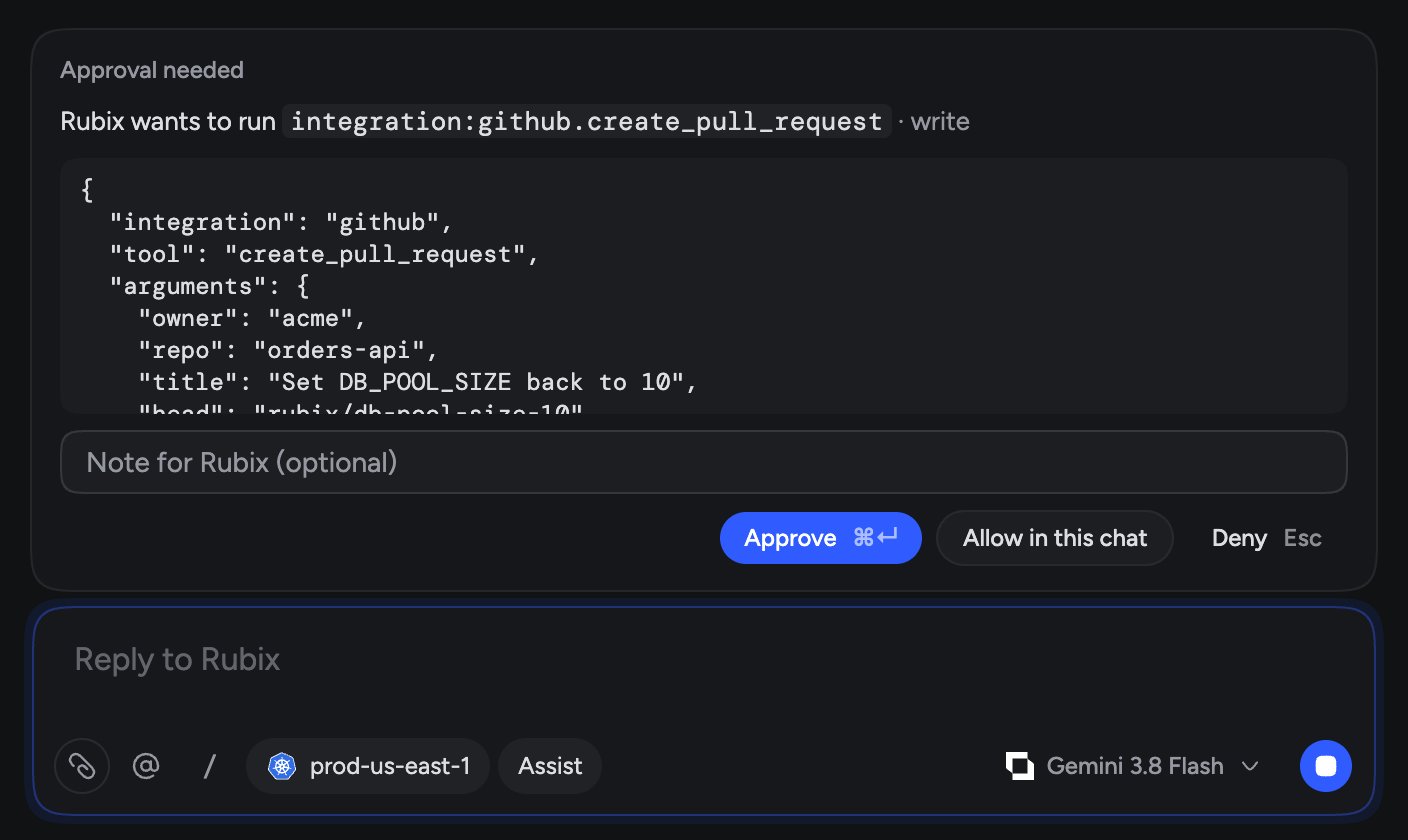
When Rubix needs approval, an Approval needed card appears above the chat box. It shows the tool, its risk and the details of the call. The person who owns the session or an admin can answer.
You can add a Note for Rubix with your answer. If you deny a change, the note tells Rubix why.
If nobody answers in time, the change doesn’t run.
Plans
When Rubix writes a plan, you see Plan to review above the chat box. Execute plan moves the chat to Assist, so each step that changes something still asks first. If your organization’s highest mode is Observe, the chat stays in Observe. Drop discards the plan.When nobody can answer
Automations and @Rubix in comments run with nobody there to approve, so they never wait:- If the highest mode is Auto, a step set to make changes can make them. Anything that needs approval, such as a destructive action, is refused.
- With any other highest mode, these runs only read.
Good to know
Hooks run first, before the mode is checked, in every mode. A hook can block a change or require a person’s approval, even in Auto and even after Allow in this chat. See Hooks. Modes apply to Rubix. Your own AI tools connected over MCP act as you, and their actions are recorded under your name. Settings > Modes also has Response style (Quiet, Normal, Verbose), which sets how much Rubix says while it works. Admins set the default, and anyone can change it for their own chats.Related pages
Chat with Rubix
Sessions, approvals and commands.
Customize
Add your own checks with hooks.
Automations
Run Rubix on a trigger.