

When you’d use this
- A better model for investigations. Set a stronger Primary for chats and RCAs.
- Lower cost on background work. Set a smaller Worker for triage and titles.
- Your data rules. Connect your own provider so model traffic goes to your account. This needs Business or Enterprise.
- One hard question. Pick a different model for one chat without changing anything for anyone else.
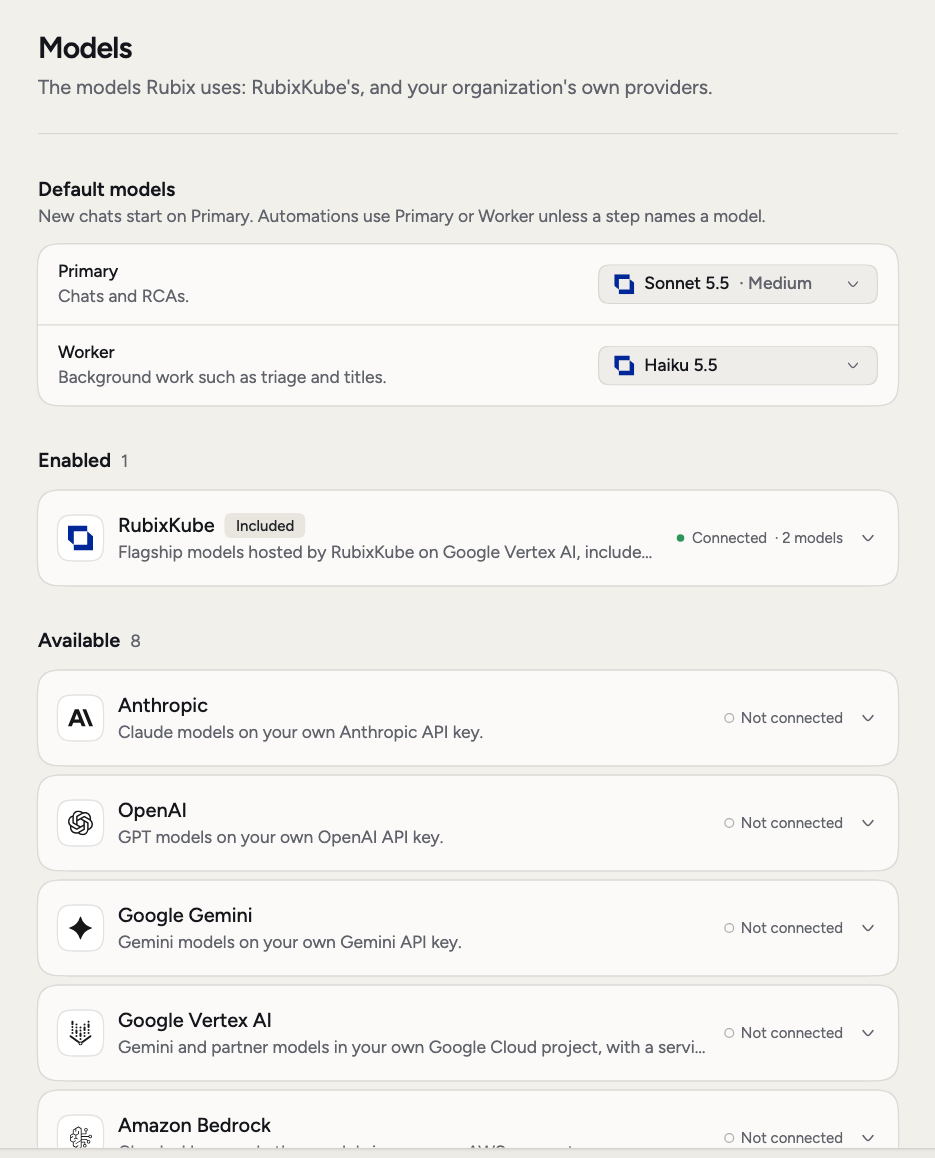
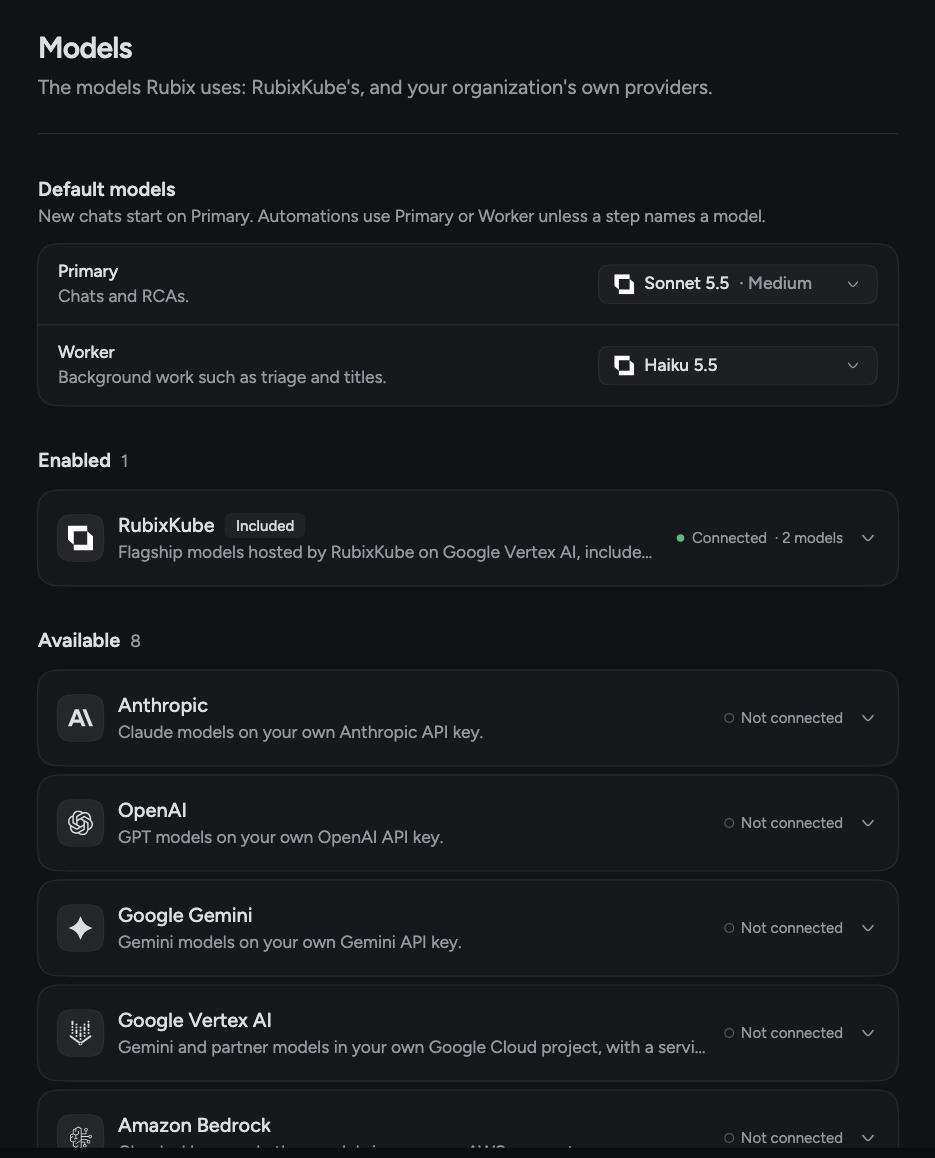
Set the default models
Default models has two roles. Each one has a model and a Reasoning level, for models that offer it.
New chats start on Primary. Automations use Primary or Worker unless a step names a model.
If you leave Primary empty, it uses RubixKube’s default. If you leave Worker empty, it’s the Same as Primary.
Admins change these and click Save. Everyone else can see what’s set.
Pick a model for one chat
Click the model picker in the chat box, or type/model. Your pick stays with that chat and doesn’t change anything for the organization. It follows the chat to any device.
If the model offers it, you can set Reasoning there too. Auto leaves it to the model.
Connect your own provider
Bring your own model when you need a model we don’t host, or want usage on your own account. This needs Business or Enterprise, and an admin. These providers are available:- Anthropic
- AWS Bedrock
- Google Gemini API
- Google Vertex AI
- OpenAI
- OpenRouter
- xAI
- Your own endpoint: any OpenAI-compatible server such as vLLM or LiteLLM, or your own Ollama
1
Open the provider
In Settings > Models, find it under Available and click to open it.
2
Add your credentials and a model
Fill in the key or the other fields the provider asks for, then pick a model.
3
Click Test and connect
Rubix tests the connection with that model. It’s only saved if the test passes.
4
Add more models
Open the provider again and add any others. Each model has a switch that offers it in the chat.
Want to keep your data off RubixKube’s models? Turn on Use only our own models under Own models only. RubixKube’s models stop being offered, and Primary and Worker run on your own models. Add a model of your own first.
Related pages
Chat with Rubix
Pick a model for one chat.
Modes
What Rubix can do without asking.
Usage and plan
See what your plan includes.