

The three plans
Enterprise limits are set for your organization, so yours can differ. If your organization has its own limit for environments or users, the page shows that one.
Only Individual has limits on features. Business and Enterprise add:
- Automations
- Hooks
- Webhooks
- Slack
- Your own model providers
- Custom integrations
- Inviting people to your organization
- More than one environment
Limits
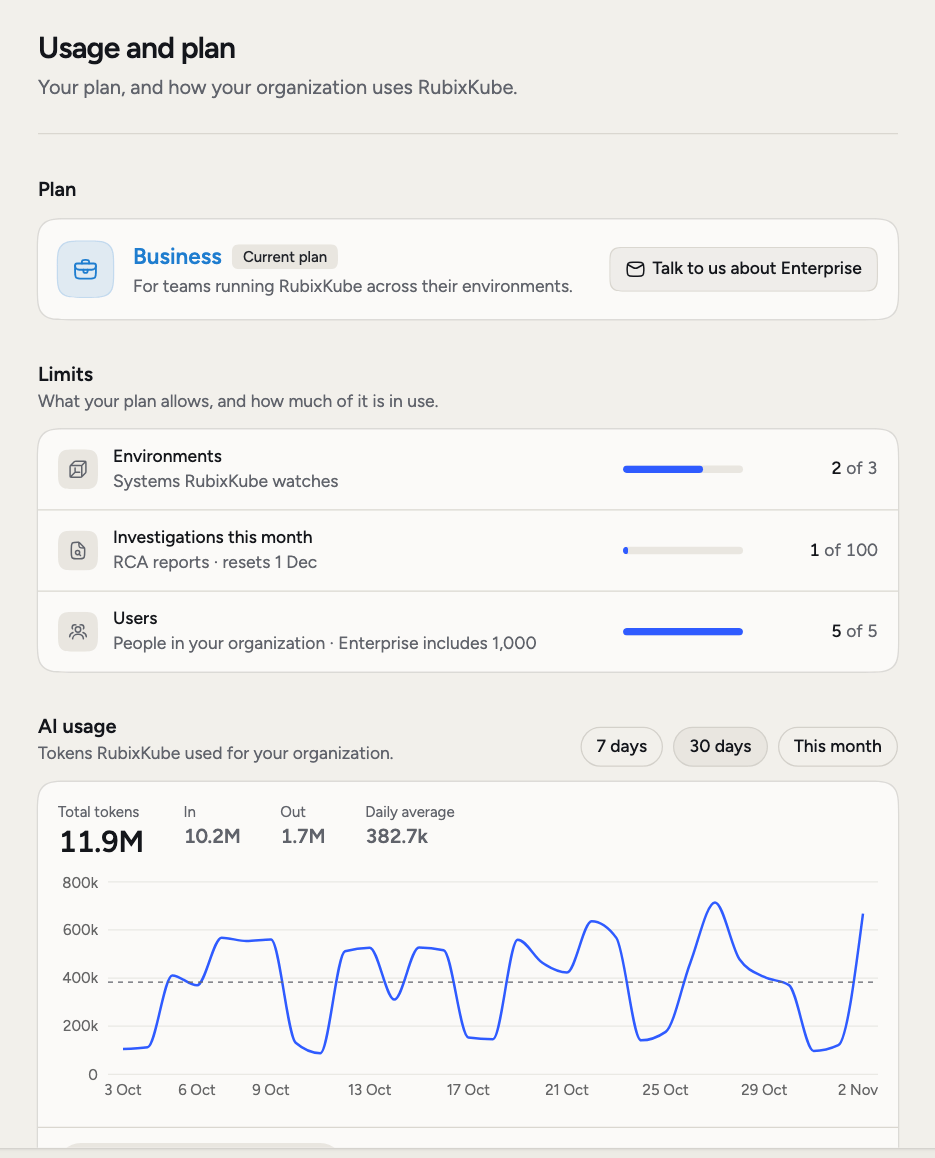
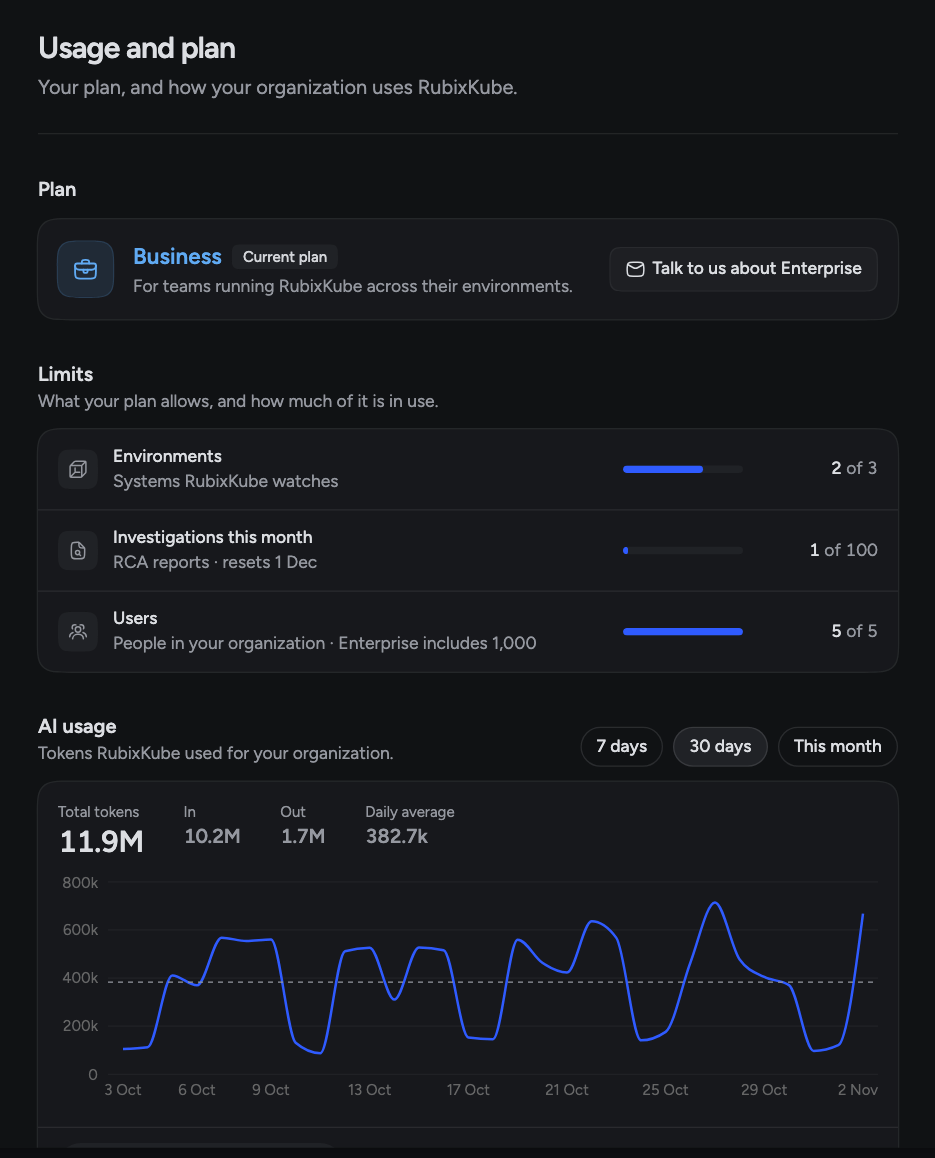
The Limits section shows three rows, each with how much is in use:- Environments: the systems RubixKube watches.
- Investigations this month: RCA reports this calendar month. The row shows when the count resets, on the first of the next month in UTC.
- Users: the people in your organization.
What counts as an investigation
One RCA report is one investigation. Chat with Rubix isn’t an investigation, and neither is an automation that only sends a message.AI usage
AI usage is for admins. It shows the tokens RubixKube used for your organization over 7 days, 30 days or This month. You see Total tokens, In, Out, Daily average and a chart per day. Three tabs split the same tokens:- Activity: Conversations, Investigations and Automations.
- People: who used them.
- Models: which models, and which provider.
Change your plan
An admin sees one button on the plan card: Upgrade to Business, Talk to us about Enterprise or Contact RubixKube. It starts an email to the RubixKube team. Anyone else sees “Ask an admin to upgrade”.Members
Invite people to your organization.
Models
Choose models and add your own provider.
Automations
Run steps when something happens.
RCAs
What an investigation produces.