Mean Time to Understand: 2.8 minutes. Across 12 production teams, RubixKube reaches a confirmed root cause about 21× faster than manual investigation. See the MTTU story on the blog.
Where do I start?
Quickstart
Sign in, connect an environment, and see your first investigation in under ten minutes.
Connect your environment
Pick the right install path for Kubernetes, AWS, GCP, Azure, or a VM.
Core concepts
Understand Site Reliability Intelligence, the Agent Mesh, and the OPEL loop.
Automate incident remediation
Walk through a real production incident from detection to resolution.
What does RubixKube do?
Observes your infrastructure
Continuously maps topology, dependencies, and behaviour. Learns the normal shape of your stack so anomalies stand out.
Investigates incidents
When something breaks, it gathers logs, metrics, events, and changes, correlates them, and produces an evidence-linked root cause.
Recommends safe fixes
Every investigation ends with ranked actions, each with expected blast radius and the reasoning behind it.
Remembers everything
Every incident, correction, and conversation feeds the Memory Engine. Your system gets sharper the longer it runs.
What you get on day one
Topology mapped in minutes
The Observer walks your environment and builds a live map of services, nodes, and edges. No manual instrumentation required.
Answers, not alerts
Answers, not alerts
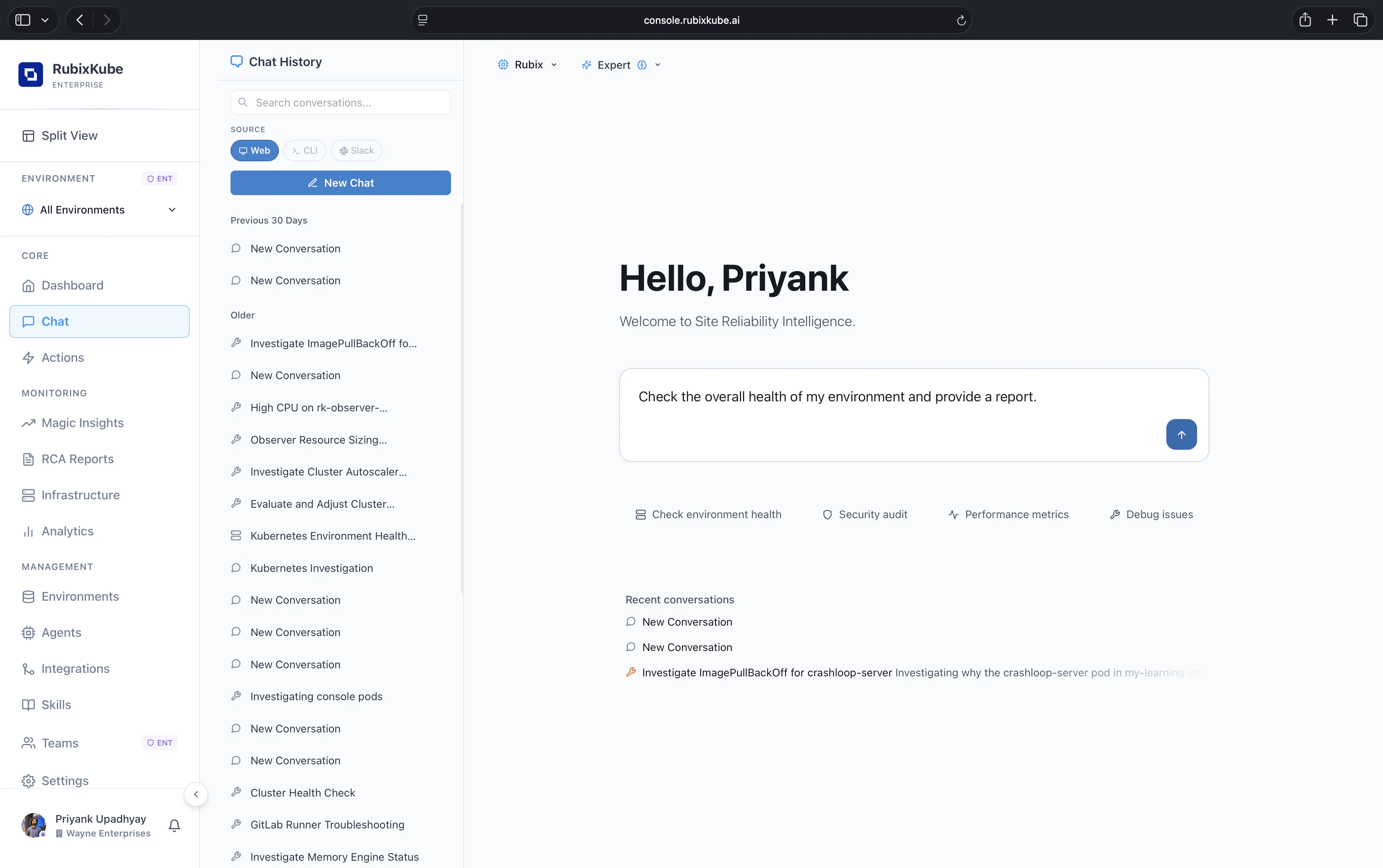
Ask questions like “why are payments slow in ap-south-1” or “what changed before this alert fired” and get a direct, cited answer.
RCA reports with evidence
Each incident produces a root cause report: observed conditions, causal chain, and recommended actions. You decide what to do next.
Your data stays yours
The knowledge graph and memory RubixKube builds belongs to you. It is not shared across tenants, and it compounds over time.
Core concepts
Site Reliability Intelligence
The category RubixKube defines. SRE for the AI era.
Agent Mesh
Specialised agents, each expert in its domain, collaborating on every incident.
Memory Engine
How RubixKube turns every incident into institutional knowledge.
Safety & Guardrails
Why RubixKube is autonomous without being reckless.
Popular tutorials
Monitor infrastructure health
Your daily check-in: dashboard, insights, topology.
Talk to your infra
Ask questions in plain English, get cited answers.
Automate incident remediation
From detection to verified fix, with evidence and approvals.
Frequently asked questions
Does RubixKube change my infrastructure?
No. RubixKube watches, analyses, and recommends. Your team decides what to do, and nothing changes in your environment without explicit approval.
What environments are supported?
Kubernetes (EKS, GKE, AKS, KIND, bare metal), AWS accounts, GCP projects, and generic Linux VMs. You can mix any of these inside a single workspace. Azure workloads are supported today through AKS on the Kubernetes path.
How long does setup take?
About five minutes for Kubernetes or a VM, about ten minutes for a cloud account. The Quickstart covers all paths.
What is an investigation?
One complete cycle: RubixKube detects something, traces it to a root cause, and tells you exactly what to fix. Each investigation ships with evidence and ranked actions.
Is RubixKube open source?
The docs are open source on GitHub. The platform itself is commercial, with a free tier available on console.rubixkube.ai.
Help and community
Email support
connect@rubixkube.ai. Include your tenant ID, timestamp, and screenshots where possible.
Blog
Field notes on reliability, AI operations, and the future of SRE.
GitHub
Open source components, examples, and issue tracking.
Console
Sign in, invite your team, and start an investigation.