

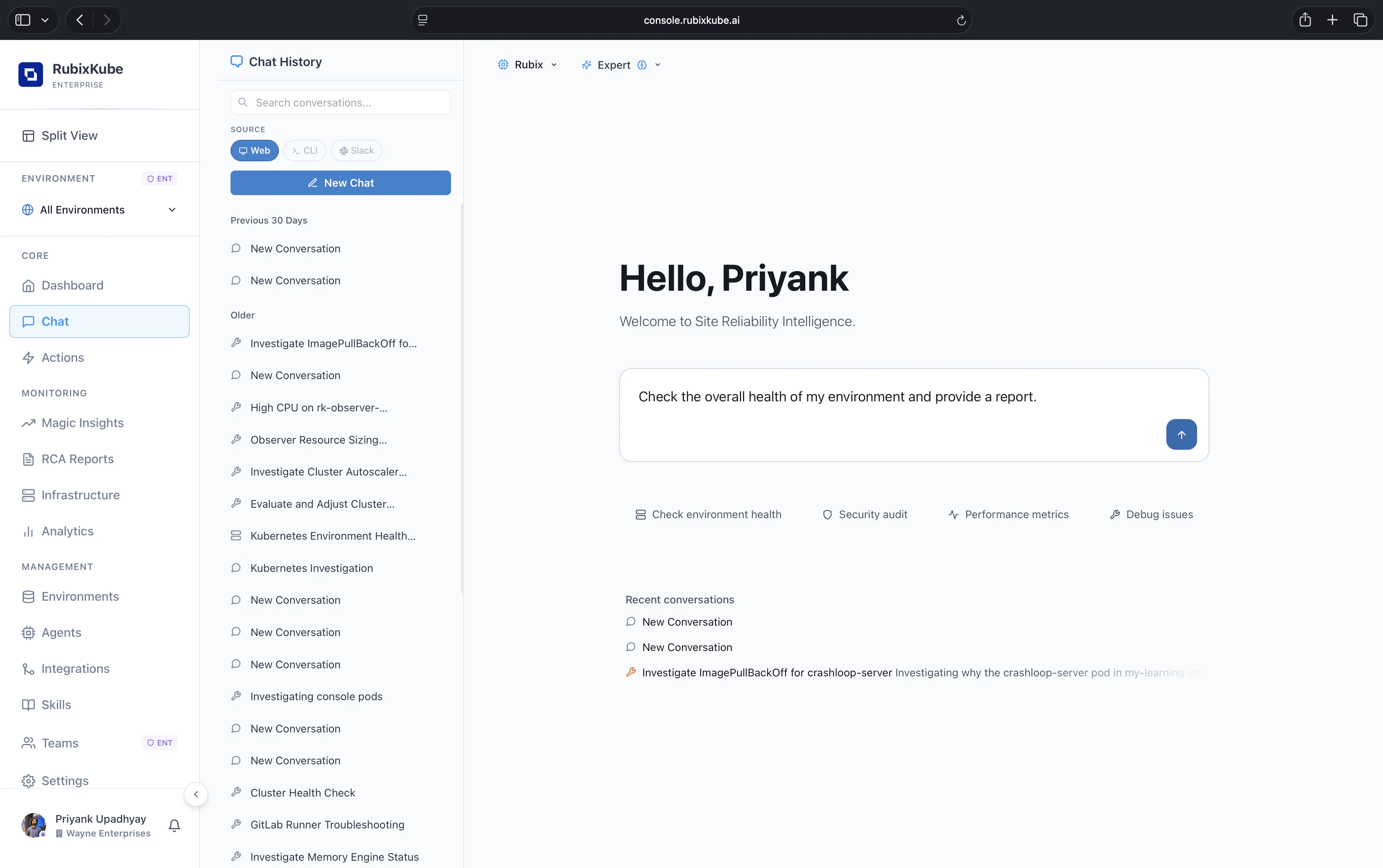
Where Chat lives
In the console
Open Chat in the left nav. Shares sessions, skills, and environment context with the rest of the product.
In your terminal
Install the Rubix CLI with
npm install -g @rubixkube/rubix. Launch with rubix. Same agent, same skills.What it can do
- Answer questions with evidence. Every claim is cited back to the underlying log, metric, or event.
- Investigate proactively. Open-ended prompts turn into multi-step investigations using the allowed tools.
- Run skills. Invoke saved runbooks with
/skills skill-nameor by intent match. - Switch environment context. Use
/environmentsto re-scope the conversation to a different cluster, cloud account, or VM group. - Resume and rename sessions. Past investigations stay searchable.
Best for
Fast status reads
“What is the health of prod right now?”
Change correlation
“What changed in the checkout service in the last hour?”
Focused investigations
“Why did pod X restart three times at 14:05?”
On-call handoffs
Save a skill that summarises open incidents and pending actions for the next shift.
Safety model
Chat inherits the Guardian policies set on each environment. It can recommend and draft mutating actions, but nothing lands in your environment without an explicit approval step. See Safety and Guardrails.Related guides
Talk to your infra
Prompt patterns and slash commands that actually work.
Agent Skills
How runbooks become first-class tools the agent can run.