

Detecting Container Image Issues
One of the most common Kubernetes failures is ImagePullBackOff - when a pod can’t pull its container image. Let’s see how RubixKube detects and helps you resolve this issue.What you’ll learn:
- How RubixKube detects image pull failures
- Reading the incident details
- Understanding AI-generated suggestions
- Fixing the issue manually
- Verifying the resolution
The Scenario
We’ll intentionally create a pod with an invalid container image to trigger an ImagePullBackOff error, then watch RubixKube detect it.Create the Failing Pod
Deploy a pod with a non-existent image:Watch Kubernetes Fail
Check the pod status:- Kubernetes tries to pull
nonexistent-registry.io/invalid-image:v1.0 - Registry doesn’t exist → Pull fails
- Kubernetes retries with exponential backoff
- Status cycles: Pending → ErrImagePull → ImagePullBackOff
See the Kubernetes events
See the Kubernetes events
RubixKube Detection (1-2 Minutes)
Now open the RubixKube Dashboard. Within 1-2 minutes, you’ll see: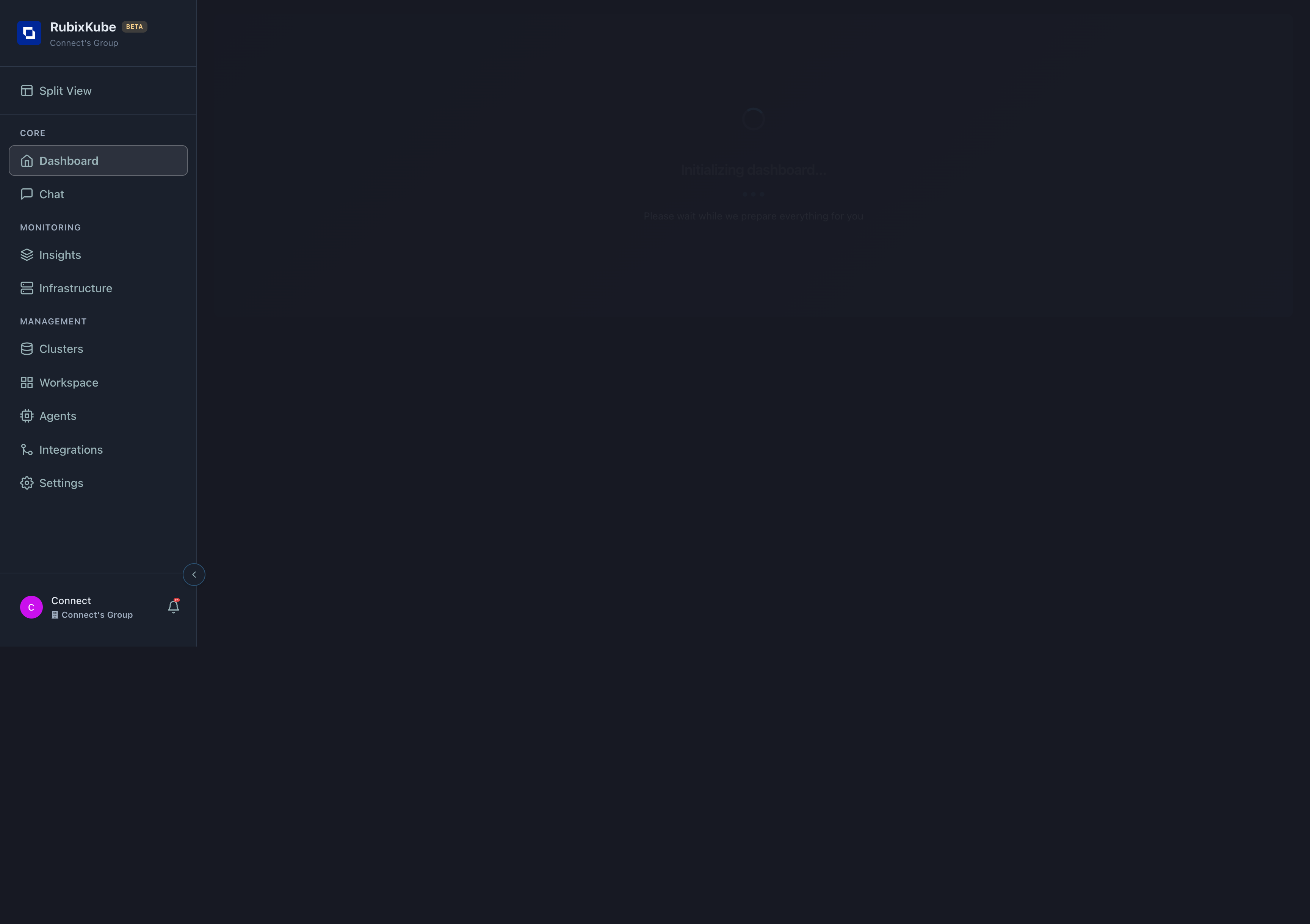
What RubixKube Detected
Activity Feed shows:- New incident appeared
- Type: Image pull failure
- Severity: Medium (not critical, but needs fixing)
- Status: Active
Viewing the Incident Details
Click on Insights in the navigation to see detailed analysis: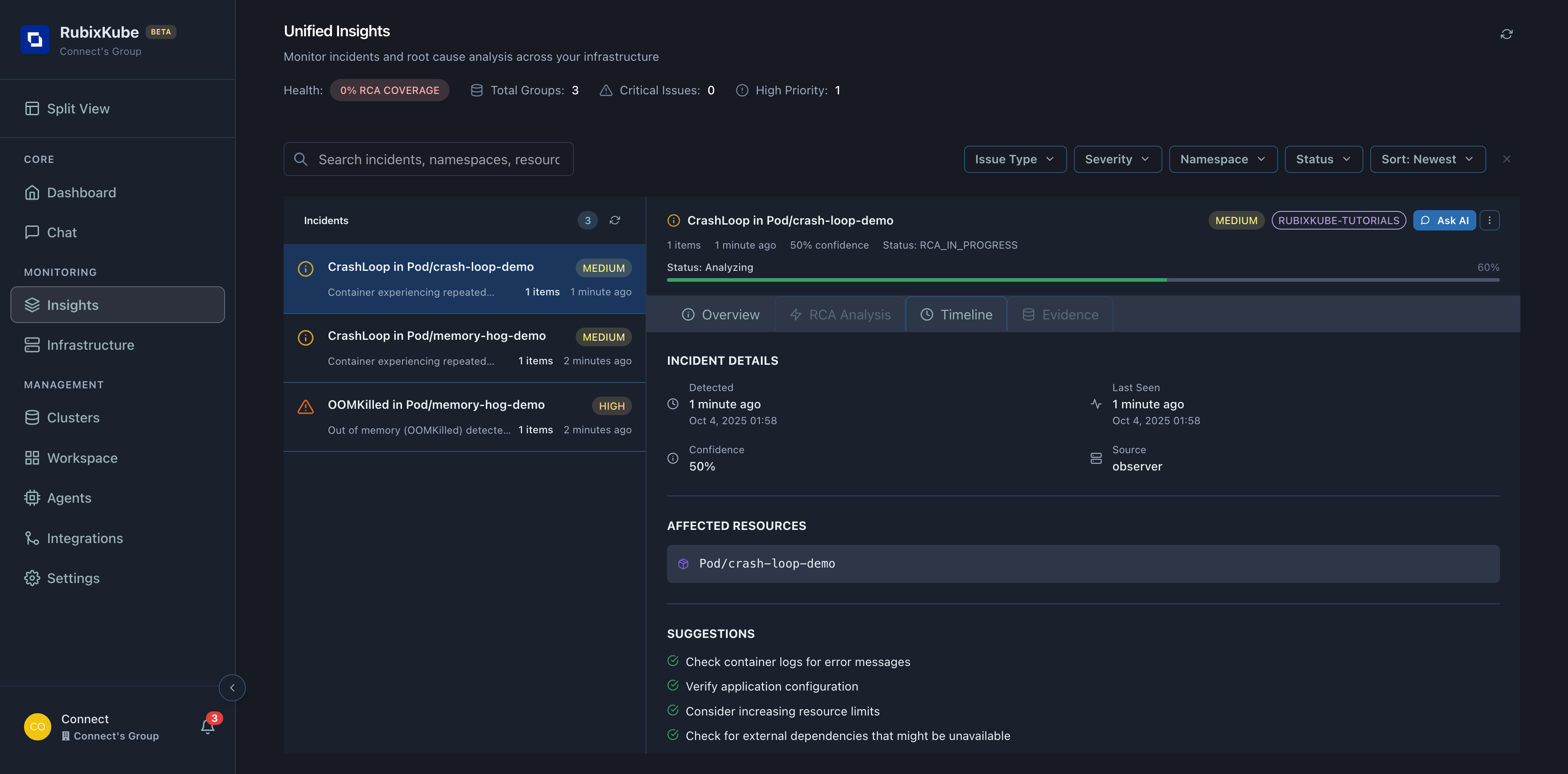
Incident Information
You’ll see:| Field | Value | Meaning |
|---|---|---|
| Type | ImagePullBackOff | Kubernetes can’t pull the image |
| Severity | Medium | Not critical but needs attention |
| Affected Resource | Pod/broken-image-demo | Which pod is impacted |
| Namespace | rubixkube-tutorials | Where the pod lives |
| Detected | 2 minutes ago | When RubixKube first saw it |
| Confidence | 90%+ | How certain RubixKube is about the diagnosis |
AI-Generated Suggestions
RubixKube provides actionable recommendations: Verify the image name and tag
Verify the image name and tag
Why: Typos in image names are the #1 cause of ImagePullBackOffCheck:
- Is the registry URL correct?
- Does the image exist in that registry?
- Is the tag valid? (
:latest,:v1.0, etc.)
Check registry accessibility
Check registry accessibility
Why: Private registries require authenticationVerify:
- Can your cluster reach the registry?
- Are imagePullSecrets configured?
- Does the service account have access?
Review imagePullPolicy
Review imagePullPolicy
Why: Policy affects when Kubernetes pulls imagesOptions:
Always- Pull on every pod start (good for:latest)IfNotPresent- Use cached image if availableNever- Only use local images
Check for network policies blocking egress
Check for network policies blocking egress
Why: Network policies might prevent outbound connectionsTest:If this fails, network policies may be blocking registry access.
Fixing the Issue
For our scenario, the image simply doesn’t exist. Let’s fix it:Option 1: Use a Valid Image
Option 2: Fix In-Place (if image was a typo)
image: to a valid one, save, and Kubernetes will recreate the container.
Verify the Fix
Check the pod status:- Active Insights decreases (issue resolved)
- Activity Feed shows resolution event
- System Health improves
RubixKube tracks resolution! Once you fix the issue, RubixKube detects the recovery and updates the incident status to “Resolved”.
What RubixKube Learned
After you fix this issue, the Memory Engine stores:The Problem
ImagePullBackOff on pod
broken-image-demo due to non-existent registryThe Fix
Replaced with valid image
nginx:latest → Pod started successfullyTime to Resolve
Detection: 2 minutes, Manual fix: 30 seconds, Total: 2.5 minutes
Pattern Stored
If similar error occurs again, RubixKube will recognize the pattern faster
Common ImagePullBackOff Causes
Based on RubixKube’s Memory Engine and common patterns:| Cause | Frequency | Fix Time | Prevention |
|---|---|---|---|
| Typo in image name | 40% | 1 min | Automation, validation |
| Missing image tag | 25% | 2 min | Always specify tags |
| Private registry auth | 20% | 5 min | Configure imagePullSecrets |
| Network policy blocking | 10% | 10 min | Allow egress to registries |
| Registry rate limiting | 5% | 15 min | Use image caching |
Real-World Impact
Before RubixKube:- Engineer notices pod not starting (manual check)
- Runs
kubectl describe podto find error - Googles “ImagePullBackOff kubernetes”
- Tries various fixes
- Time: 10-15 minutes (if experienced)
- Automatic detection within 2 minutes
- Incident appears in dashboard automatically
- AI suggests likely causes
- Relevant documentation linked
- Time: 2-3 minutes (with clear guidance)
Next Tutorial
Now that you’ve seen image pull detection, let’s look at a more complex failure:Next: Detecting OOMKilled Pods
Learn how RubixKube analyzes memory issues and suggests right-sizing
Summary
You learned: How to intentionally create an ImagePullBackOff errorHow RubixKube automatically detects the failure
How to read incident details in the Insights page
What AI-generated suggestions look like
How to fix the issue manually
How RubixKube verifies resolution
How the Memory Engine learns from incidents Next: Try detecting memory issues with OOMKilled pods!