> ## Documentation Index
> Fetch the complete documentation index at: https://docs.rubixkube.ai/llms.txt
> Use this file to discover all available pages before exploring further.
# Quickstart
> The shortest path to RubixKube. Create an account, connect an environment, and ask your first question.
Three steps to get productive. Each one links out to the page that covers it in depth.
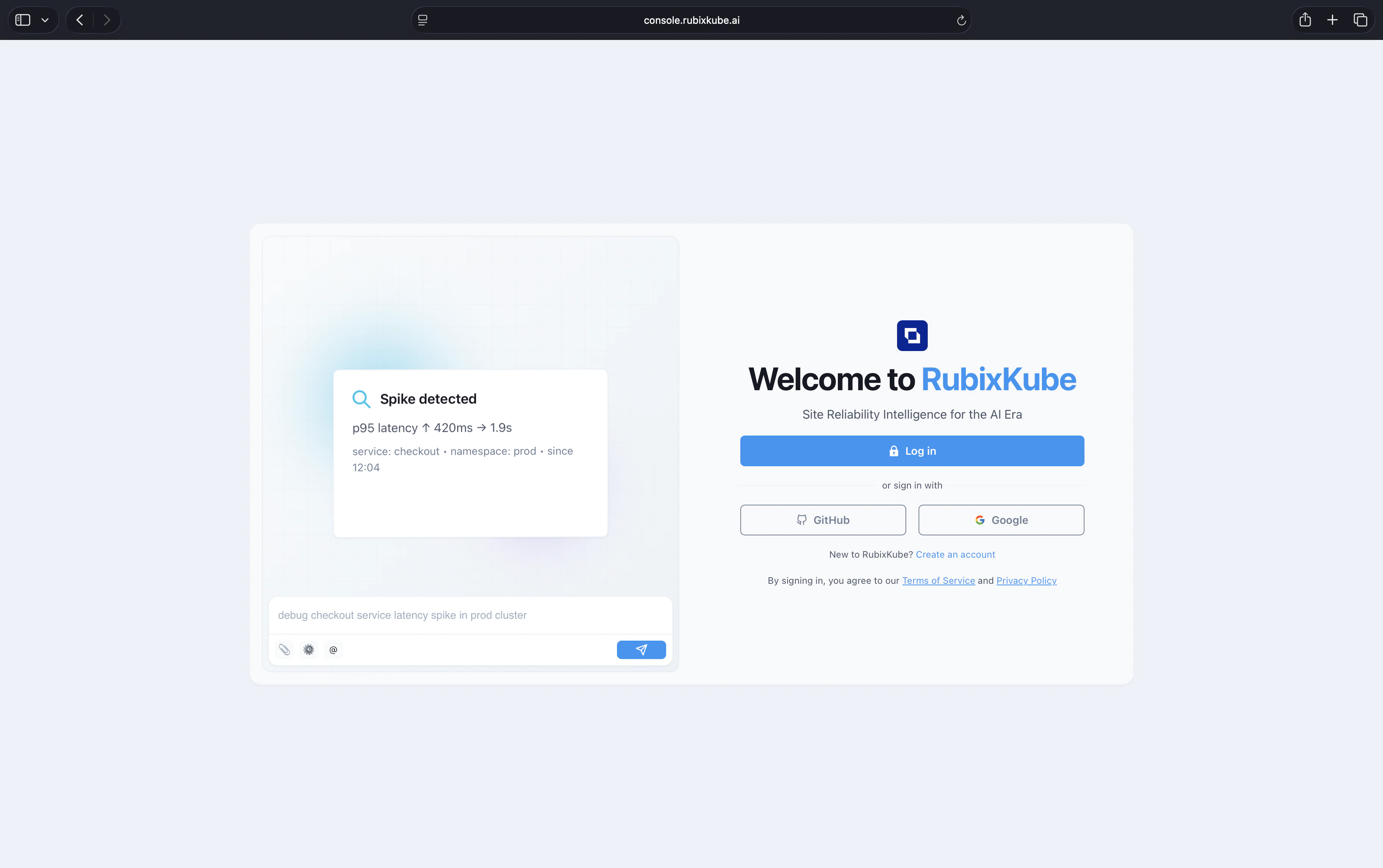 Sign in at [console.rubixkube.ai](https://console.rubixkube.ai) with email, GitHub, or Google to start your workspace.
Sign up at [console.rubixkube.ai](https://console.rubixkube.ai) using email, GitHub, or Google. Already have an account? Just [log in](https://console.rubixkube.ai).
The free tier covers one environment, up to five monitored apps, and ten investigations per month. See [Pricing](https://rubixkube.ai/pricing) for higher tiers.
RubixKube needs something to observe. Pick the environment you want to start with and run the install.
Full install flow for Kubernetes, AWS, GCP, and Linux VMs. Five to ten minutes.
Once the environment card shows **Healthy**, open **Chat** in the console and try:
```
What is the health of the payments service?
Which resources restarted most in the last 24 hours?
Any hosts running above 80% memory right now?
```
Answers come with cited evidence. Investigations worth escalating surface in **Insights** as RCA reports.
## Where to go next
Set up the dashboard, insights, and notifications for your team.
Site Reliability Intelligence, the Agent Mesh, and the OPEL loop.
Roles, workspaces, and collaboration.
Email [connect@rubixkube.ai](mailto:connect@rubixkube.ai) with your tenant ID. A human engineer will respond.
Sign in at [console.rubixkube.ai](https://console.rubixkube.ai) with email, GitHub, or Google to start your workspace.
Sign up at [console.rubixkube.ai](https://console.rubixkube.ai) using email, GitHub, or Google. Already have an account? Just [log in](https://console.rubixkube.ai).
The free tier covers one environment, up to five monitored apps, and ten investigations per month. See [Pricing](https://rubixkube.ai/pricing) for higher tiers.
RubixKube needs something to observe. Pick the environment you want to start with and run the install.
Full install flow for Kubernetes, AWS, GCP, and Linux VMs. Five to ten minutes.
Once the environment card shows **Healthy**, open **Chat** in the console and try:
```
What is the health of the payments service?
Which resources restarted most in the last 24 hours?
Any hosts running above 80% memory right now?
```
Answers come with cited evidence. Investigations worth escalating surface in **Insights** as RCA reports.
## Where to go next
Set up the dashboard, insights, and notifications for your team.
Site Reliability Intelligence, the Agent Mesh, and the OPEL loop.
Roles, workspaces, and collaboration.
Email [connect@rubixkube.ai](mailto:connect@rubixkube.ai) with your tenant ID. A human engineer will respond.