> ## Documentation Index
> Fetch the complete documentation index at: https://docs.rubixkube.ai/llms.txt
> Use this file to discover all available pages before exploring further.
# Rubix CLI overview
> The Rubix CLI brings RubixKube's Site Reliability Intelligence to your terminal. Chat with infrastructure, investigate incidents, and run skills without leaving the command line.
The **Rubix CLI** is the terminal-native front door to RubixKube. Same SRI Agent, same skills, same workspace, launched with a single word.
```bash theme={null}
rubix
```
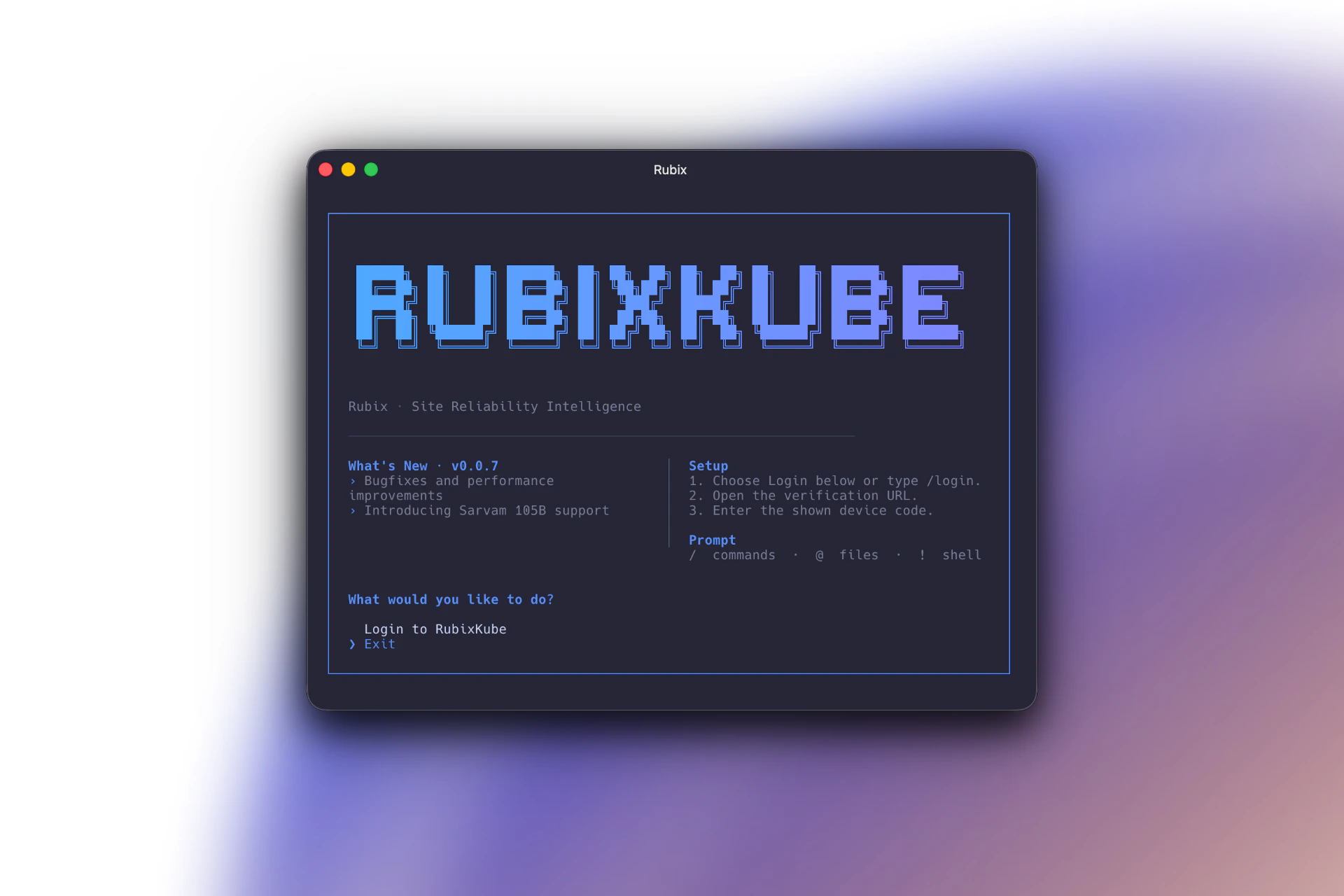 The Rubix CLI on first launch. Release notes and setup steps on top, the prompt legend on the right, and the login entry point at the bottom.
Use it when you want to stay in a terminal: on-call triage, SSH-bound hosts, CI runs, or when you prefer a keyboard-driven flow over a browser tab.
## What the CLI can do
Same conversational SRI Agent that powers the console, in a terminal UI.
Sessions persist across restarts. Jump back into an earlier investigation anytime.
`/environments` retargets the conversation at a different cluster, cloud account, or VM group.
Invoke any enabled skill with `/skills skill-name` (or let the agent intent-match).
`/send` pushes the last shell command's output into chat, no copy-paste needed.
macOS, Linux, Windows. Any host with Node.js 18 or later.
## Who it is for
Investigate incidents from the same terminal you already SSH from.
Script common investigations into your runbooks with `rubix chat --prompt`.
Run scheduled skills non-interactively against any connected environment.
## How it relates to the console
The CLI and the [Rubix Chat Agent](/using/rubix-chat-agent) in the console share everything: sessions, skills, environments, Memory Engine, Guardian policies. Start a conversation on one surface, finish it on the other.
## Where to go next
Install with npm, run with npx, or use the standalone binary.
First-run login, launching chat, the fundamental keystrokes.
Reference for every command and slash command.
Concrete flows for daily on-call, post-deploy verification, and more.
The Rubix CLI on first launch. Release notes and setup steps on top, the prompt legend on the right, and the login entry point at the bottom.
Use it when you want to stay in a terminal: on-call triage, SSH-bound hosts, CI runs, or when you prefer a keyboard-driven flow over a browser tab.
## What the CLI can do
Same conversational SRI Agent that powers the console, in a terminal UI.
Sessions persist across restarts. Jump back into an earlier investigation anytime.
`/environments` retargets the conversation at a different cluster, cloud account, or VM group.
Invoke any enabled skill with `/skills skill-name` (or let the agent intent-match).
`/send` pushes the last shell command's output into chat, no copy-paste needed.
macOS, Linux, Windows. Any host with Node.js 18 or later.
## Who it is for
Investigate incidents from the same terminal you already SSH from.
Script common investigations into your runbooks with `rubix chat --prompt`.
Run scheduled skills non-interactively against any connected environment.
## How it relates to the console
The CLI and the [Rubix Chat Agent](/using/rubix-chat-agent) in the console share everything: sessions, skills, environments, Memory Engine, Guardian policies. Start a conversation on one surface, finish it on the other.
## Where to go next
Install with npm, run with npx, or use the standalone binary.
First-run login, launching chat, the fundamental keystrokes.
Reference for every command and slash command.
Concrete flows for daily on-call, post-deploy verification, and more.